Training and Performance
Open Training > Training Type to define categories such as Induction, Technical Skills or Leadership.
Last updated: 16 November 2026 · Product version: not specified in the supplied guide
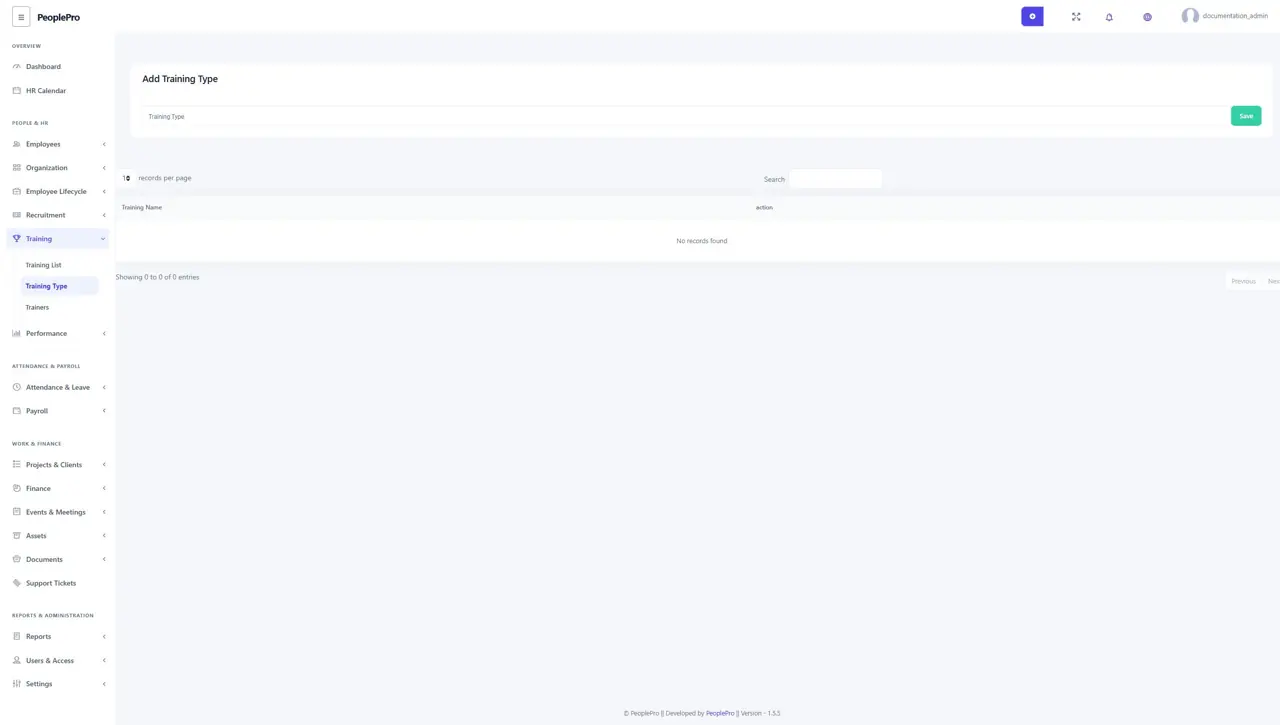
Training Type
Open Training > Training Type to define categories such as Induction, Technical Skills or Leadership. Add the type before creating a training record that uses it. Keeping a consistent set of training types makes lists and reports easier to understand.
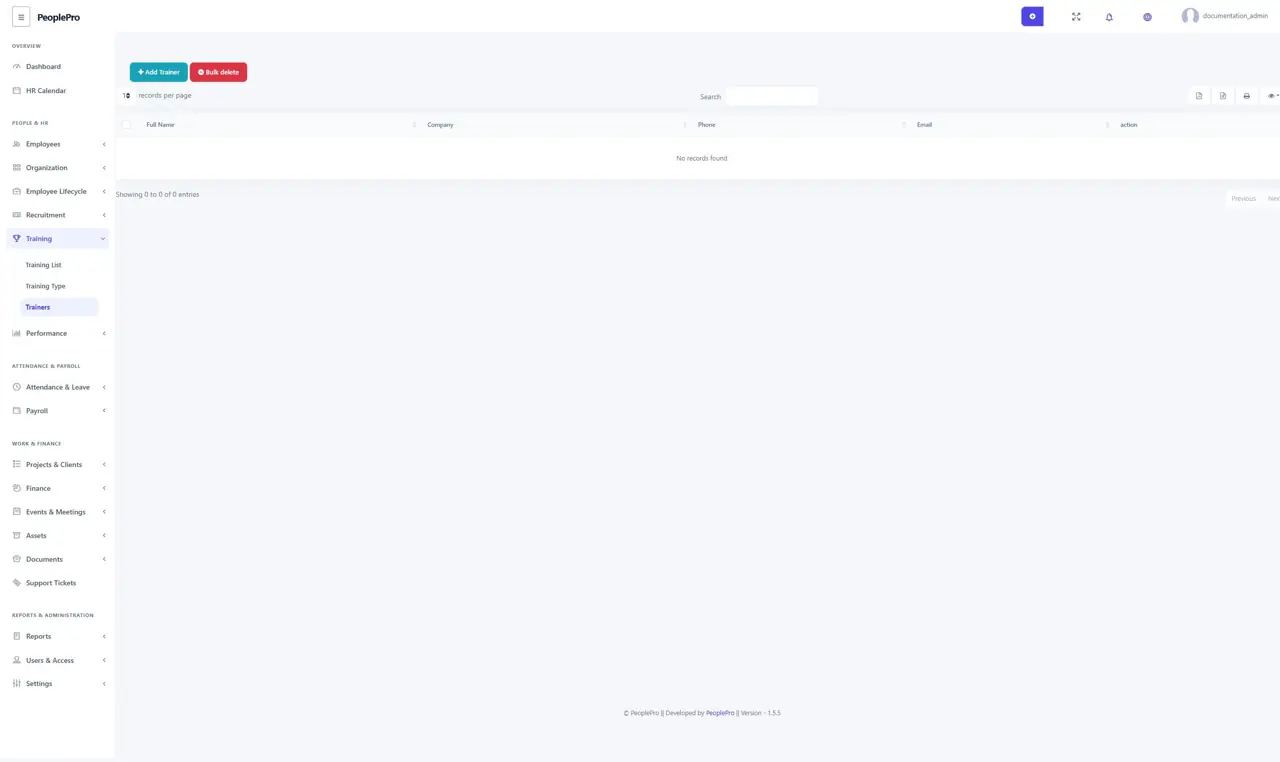
Trainers
Open Training > Trainers to maintain the people who deliver training. Select Add Trainers and complete the required name, contact, expertise or address details shown in the form. Save the trainer before assigning them to a training record.
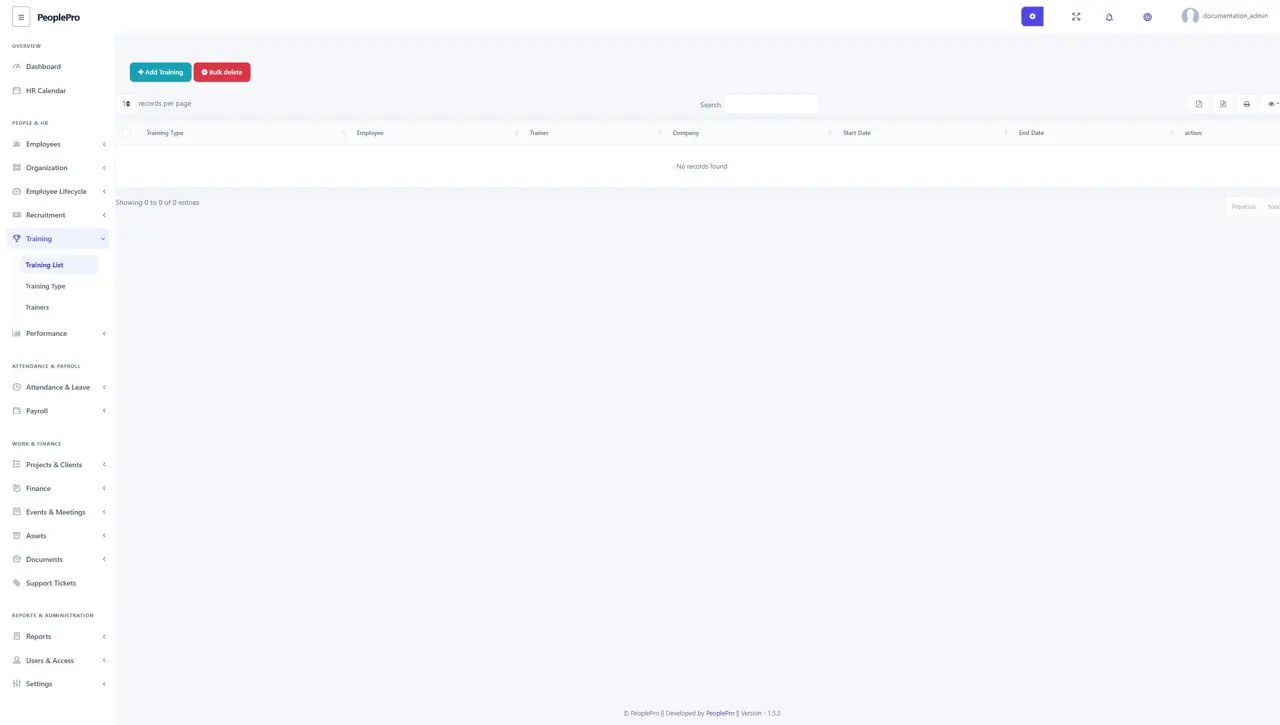
Training List
Open Training > Training List and select Add Training. Choose the training type, company, employees and trainer. Enter the start and end dates and the cost, description or status fields available. Review the participants before saving. Use the training list and Training Report to follow the organization's training activity.
Goal type
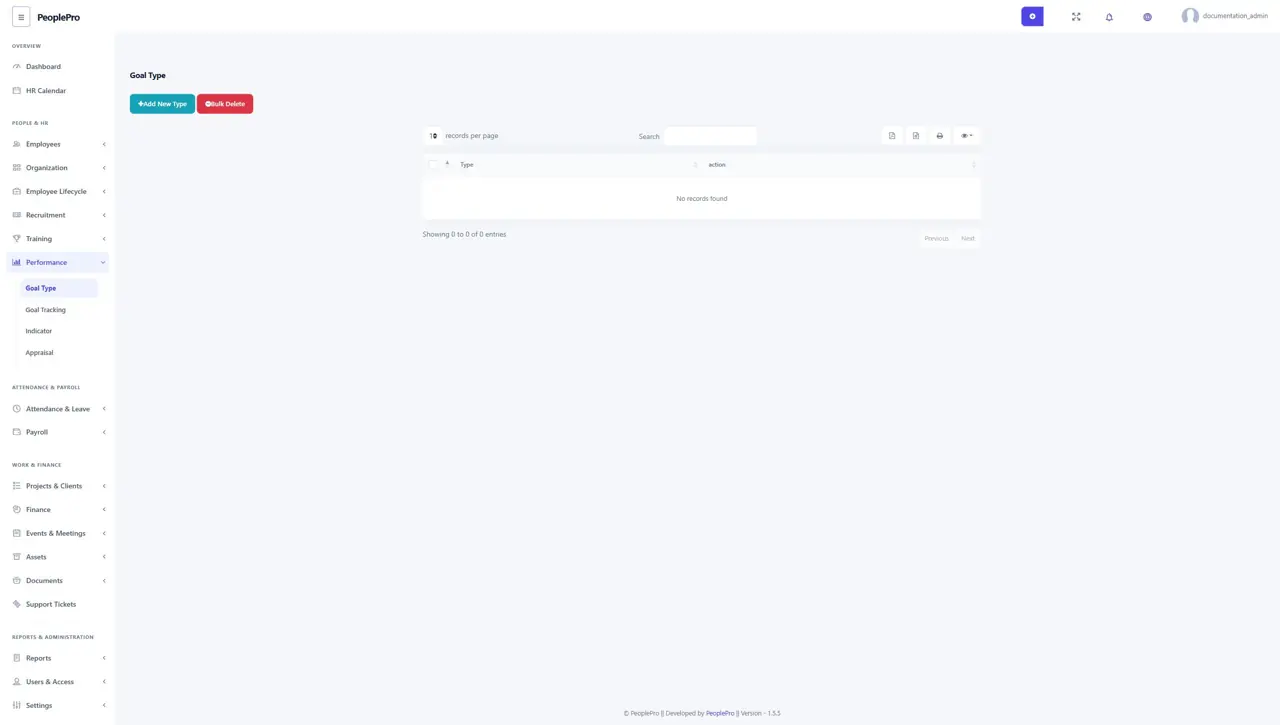
Open Performance > Goal Type to define the categories used for goals. Examples might include Service Quality or Professional Development. Add a clear, reusable name. Goal types organize targets; the actual targets, dates and progress are entered in Goal Tracking.
Goal Tracking
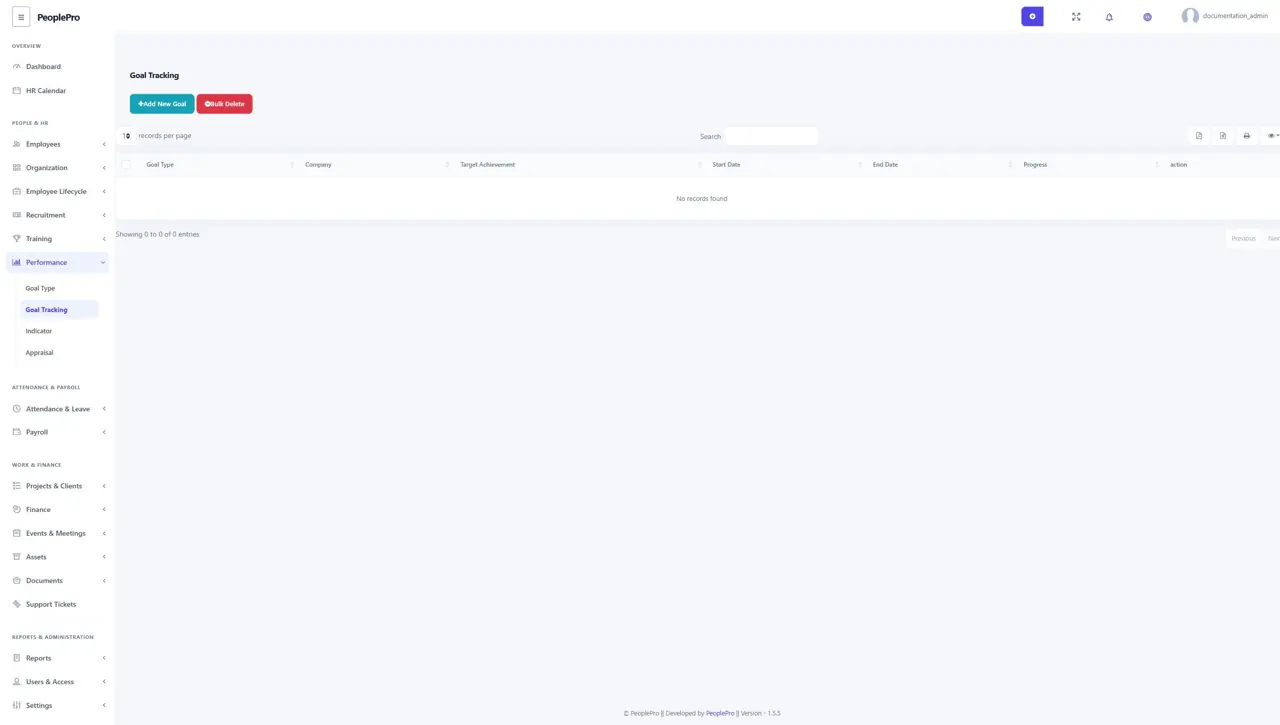
Open Performance > Goal Tracking and select Add New Goal. Choose a goal type and company, then enter the target achievement, dates and description requested. Update progress as the goal develops. Use a measurable target so another reviewer can understand what completion means.
Indicator
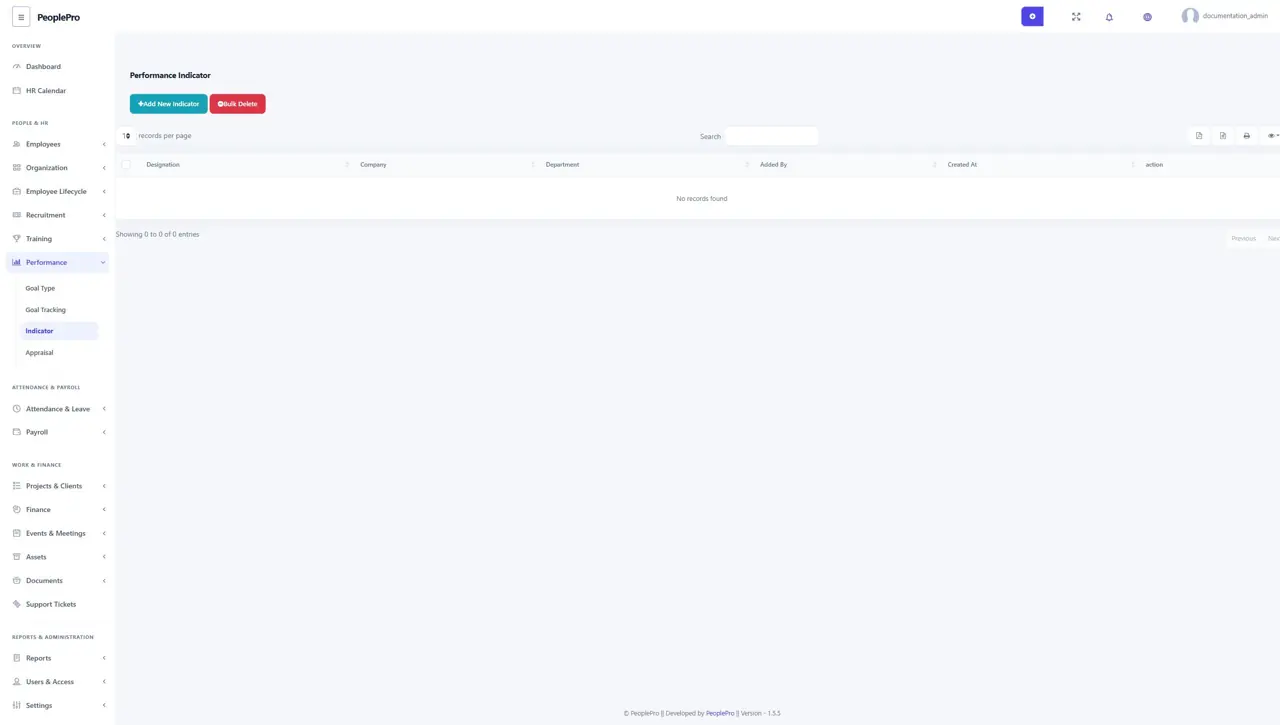
Open Performance > Indicator to define the performance expectations associated with a designation, company and department. Add an indicator and complete the available competency ratings. These indicators help provide a consistent basis for appraisals, so review them with the responsible manager before using them.
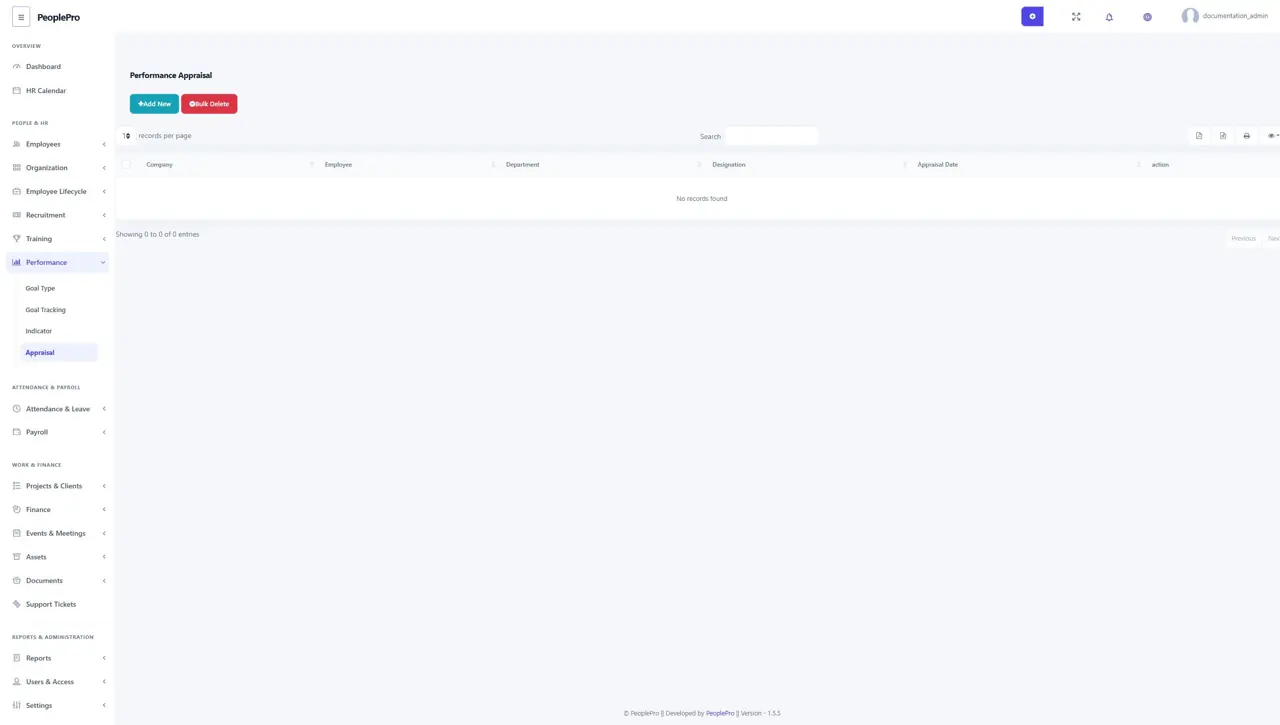
Appraisal
Open Performance > Appraisal to record a performance review. Select the company, employee and appraisal date, then complete the competency ratings and remarks shown in the form. Review the selected employee and period carefully. Saved appraisals provide a history of performance reviews for authorized users.