
Half-day Leave
Open Leave Requests and choose Add Leave, or open Request Leave on your employee dashboard.
Last updated: 16 November 2026 · Product version: not specified in the supplied guide
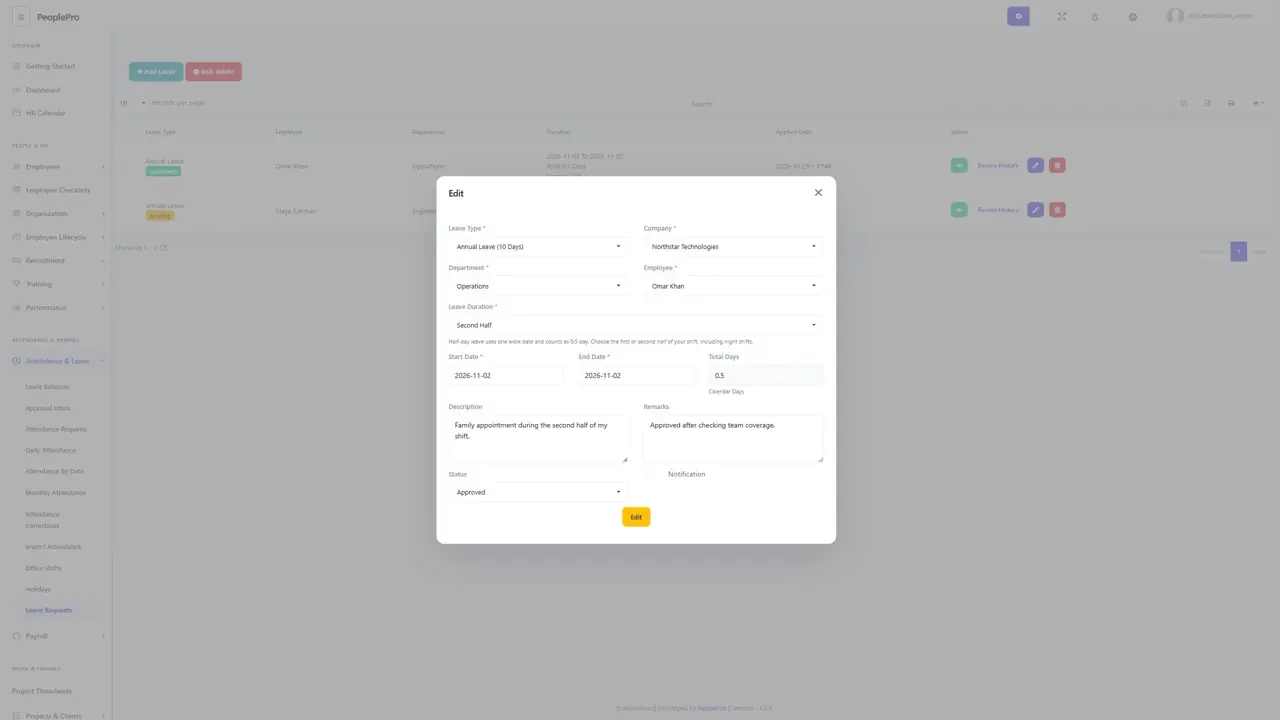
Choose the part of your shift
Open Leave Requests and choose Add Leave, or open Request Leave on your employee dashboard. Select the leave type and choose Full Day, First Half or Second Half under Leave Duration. A half-day request uses one work date and counts as 0.5 day. First Half and Second Half refer to your assigned shift, including a night shift; they do not mean fixed morning or afternoon hours. For a shift starting Monday night and ending Tuesday morning, choose Monday as the work date.
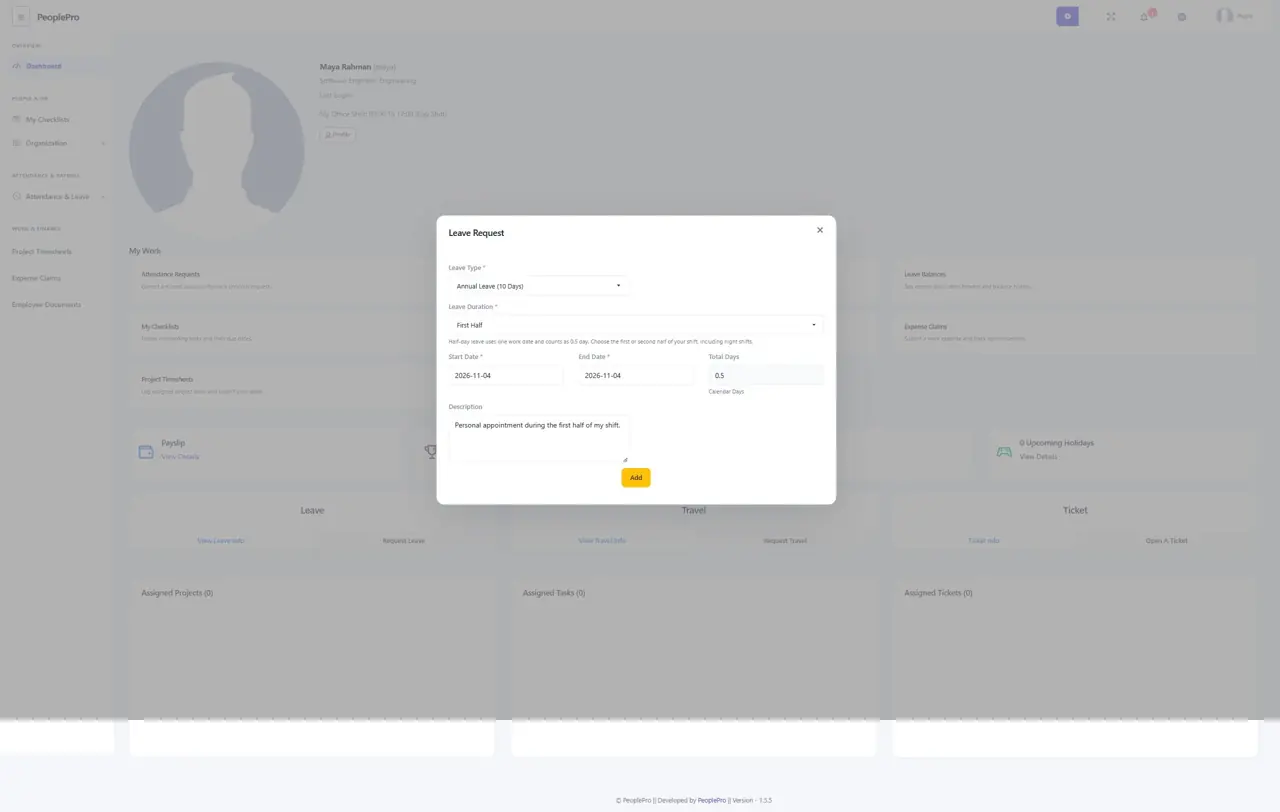
Check the calculated duration before sending
Choose the start date. For a half-day request, the end date follows that same date automatically. The preview shows 0.5 and whether the leave type counts Calendar Days or Working Days. A working-day request must fall on a scheduled working day outside a published company holiday. Enter a clear reason and submit once. Employees submit pending requests; authorized HR reviews them before any balance is deducted. The HR Calendar leave form offers the same duration choices.
Understand clashes and available balance
The same employee can request opposite halves on one date, including different leave types, when each is available to that employee. A pending or approved request reserves its selected half: another request for that half or a full day cannot overlap it. Rejected requests no longer reserve the time. Approval deducts exactly 0.5 day from the selected type. Both ordinary allocations and enabled accrual/carry-forward plans support the deduction; insufficient balance prevents approval.
Review decisions and attendance
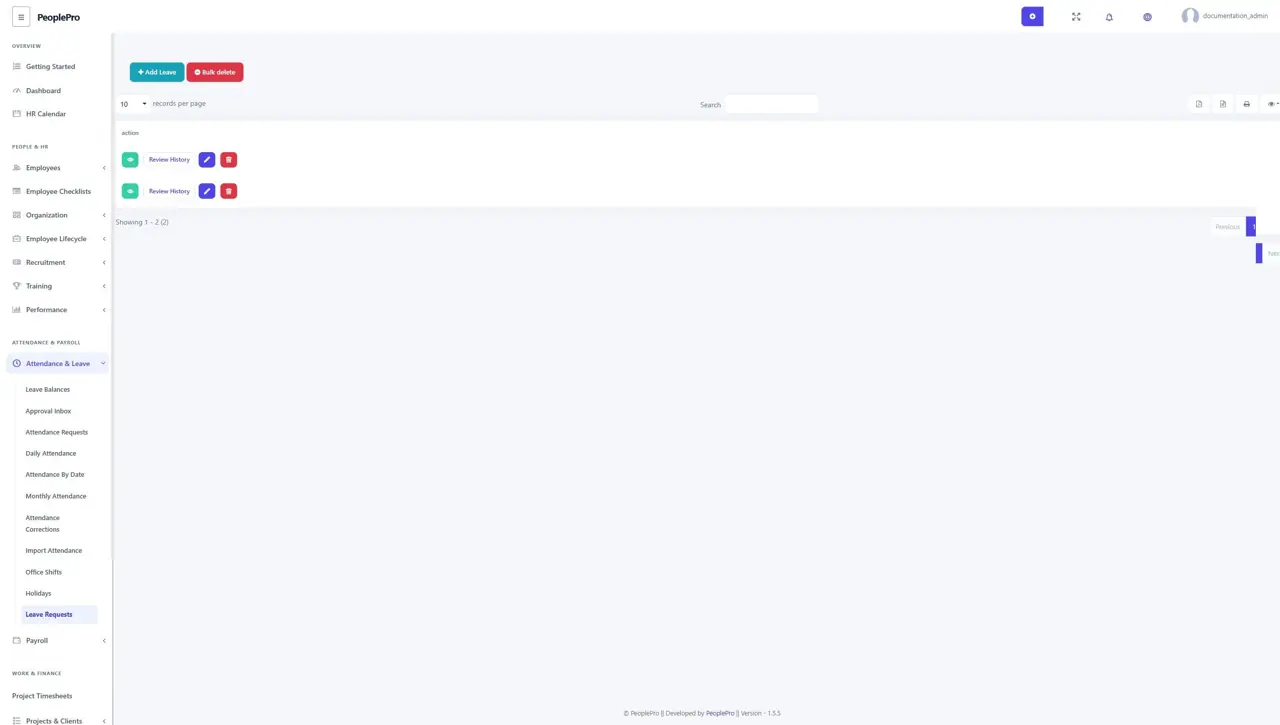
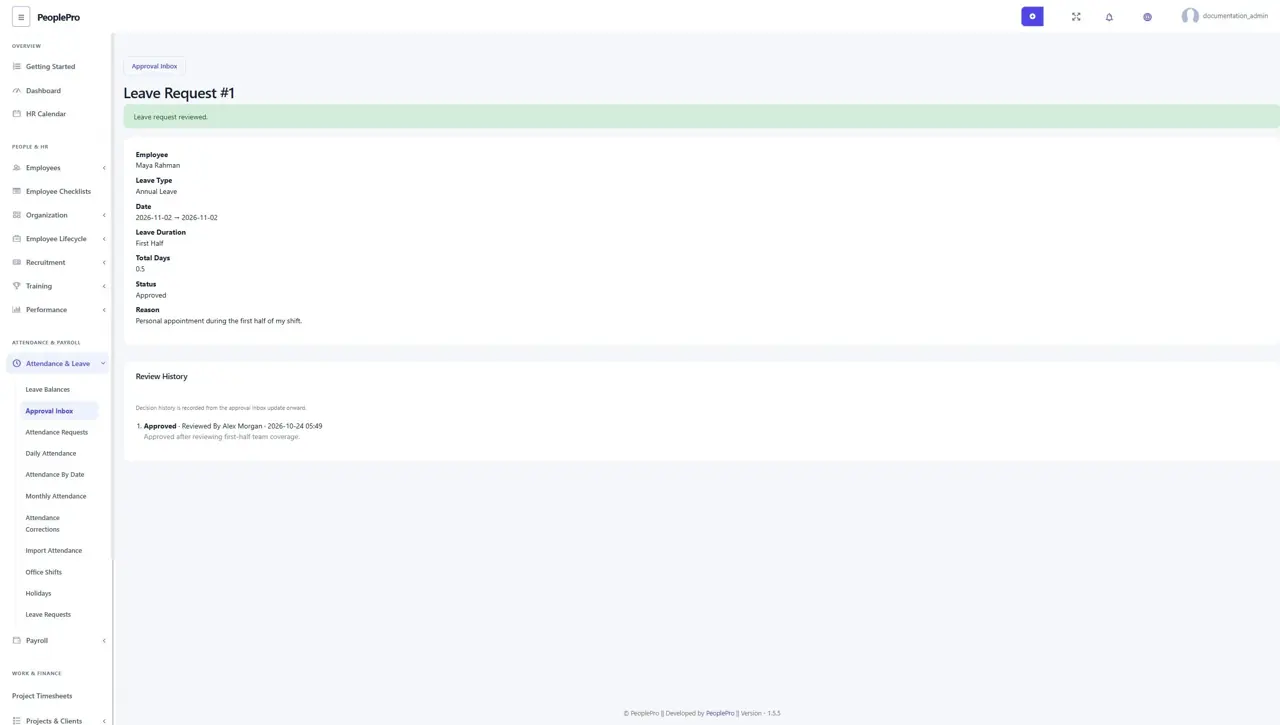
The leave list, calendar, details and Approval Inbox identify the requested half. Open Review History to inspect the duration, reason and recorded decision. A status-only decision retains the saved 0.5-day calculation even if a holiday or leave policy changed later. Rejection or deletion refunds the saved charge under the normal balance rules; expired carried days are not revived. Past leave cannot be changed from full day to half day or between halves through the normal editor.
Read half-day attendance correctly
Attendance reports show Half-day Leave for one approved half, and Present + Half-day Leave when an actual attendance record also exists. Two approved complementary halves appear as a full day of leave. A pending or rejected request does not count as approved leave. Half-day leave records do not create clock punches, calculate the hours worked in the other half, or change paid payroll. Continue recording actual attendance and apply your payroll policy through the existing payroll workflow.