Activities, Pipeline and Data Transfer
Overview and Deal board summarize sales opportunities.
Last updated: 16 November 2026 · Product version: not specified in the supplied guide
Read CRM totals without confusing them with payments
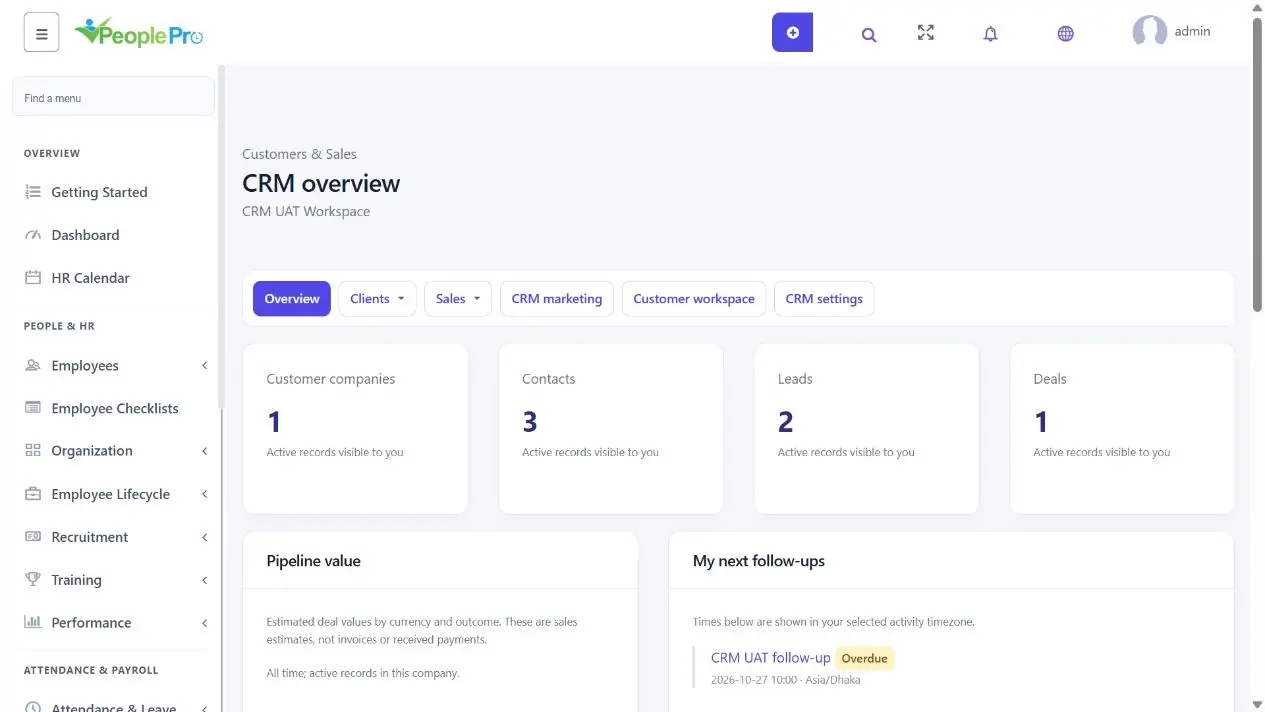
Overview and Deal board summarize sales opportunities. A won deal means the team recorded a successful outcome; it does not mean an invoice has been paid. Follow invoice balances in Invoice receipts and recorded cash in Sales reports.
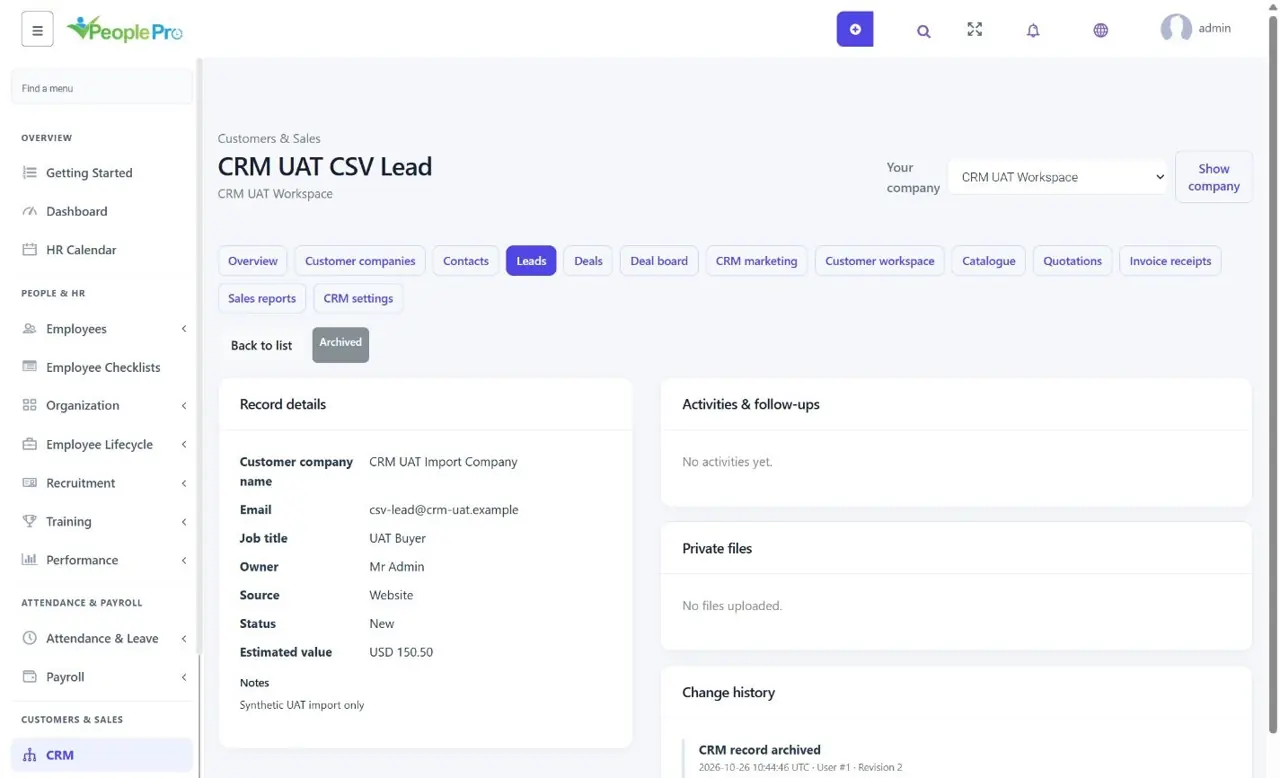
Lead conversion summaries keep the original source. Recent wins and recently updated records are shortcuts to the underlying record, where you can read its history and next action.
Plan follow-ups and track deal progress
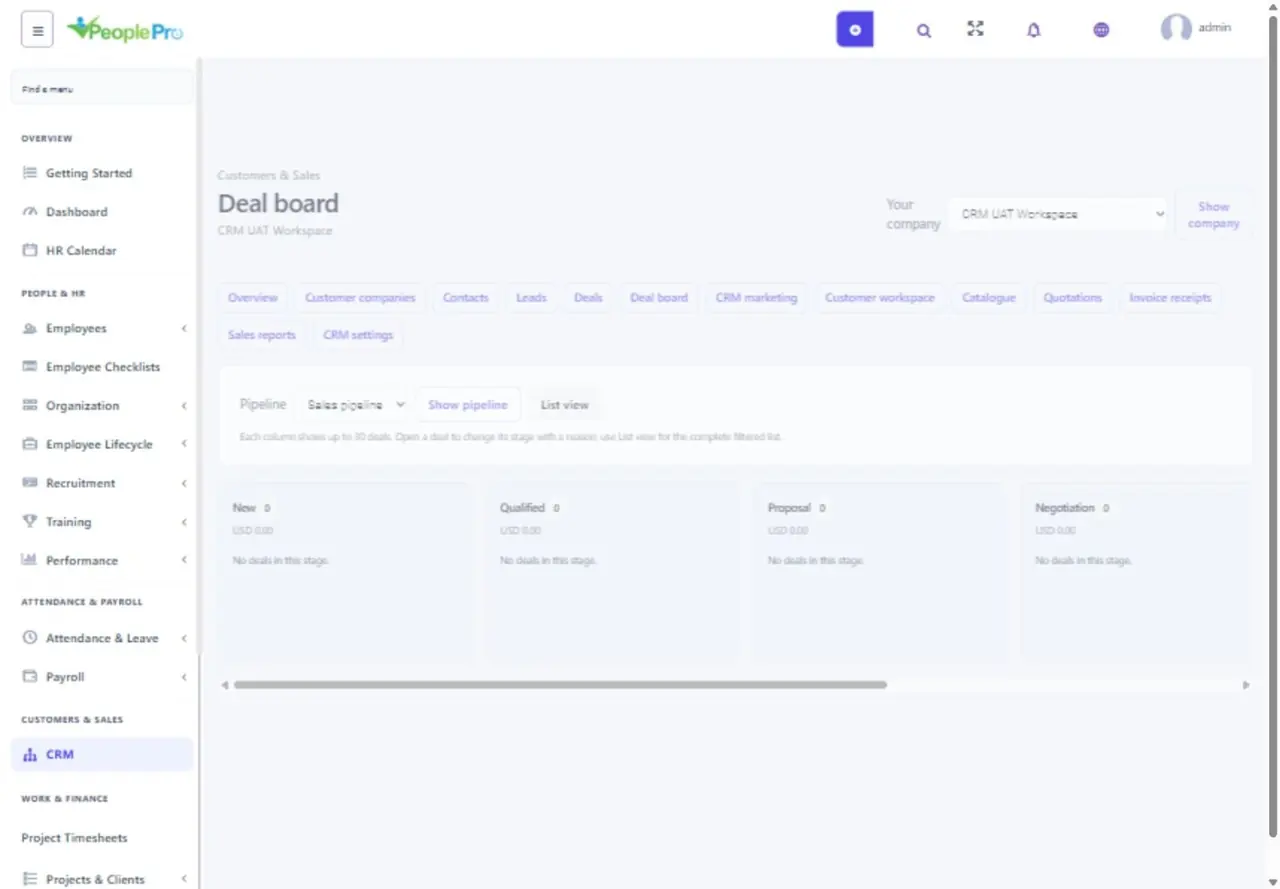
Record calls, meetings, tasks, notes and manual email logs on a customer record. Select the activity timezone and a local due time; PeoplePro stores the corresponding UTC time. Complete pending follow-ups when finished and reopen them if needed. Use Deal board to follow the pipeline. Record a reason for won, lost or reopened outcomes so the team can understand the history. Deal value is an estimate, not money received.
Search, import and export CRM records
Use the search, owner and status filters to find records. Export CSV uses the current filters and supports up to 5,000 records. Import Leads provides a preview before applying the CSV. Review the mapped values and validation results first. Attach permitted PDF/JPEG/PNG files to the appropriate customer record; file access follows the parent record permissions.