Search and the Personal Workspace
Select the magnifying-glass Search Your Workspace link in the header.
Last updated: 16 November 2026 · Product version: not specified in the supplied guide
Search without opening every module
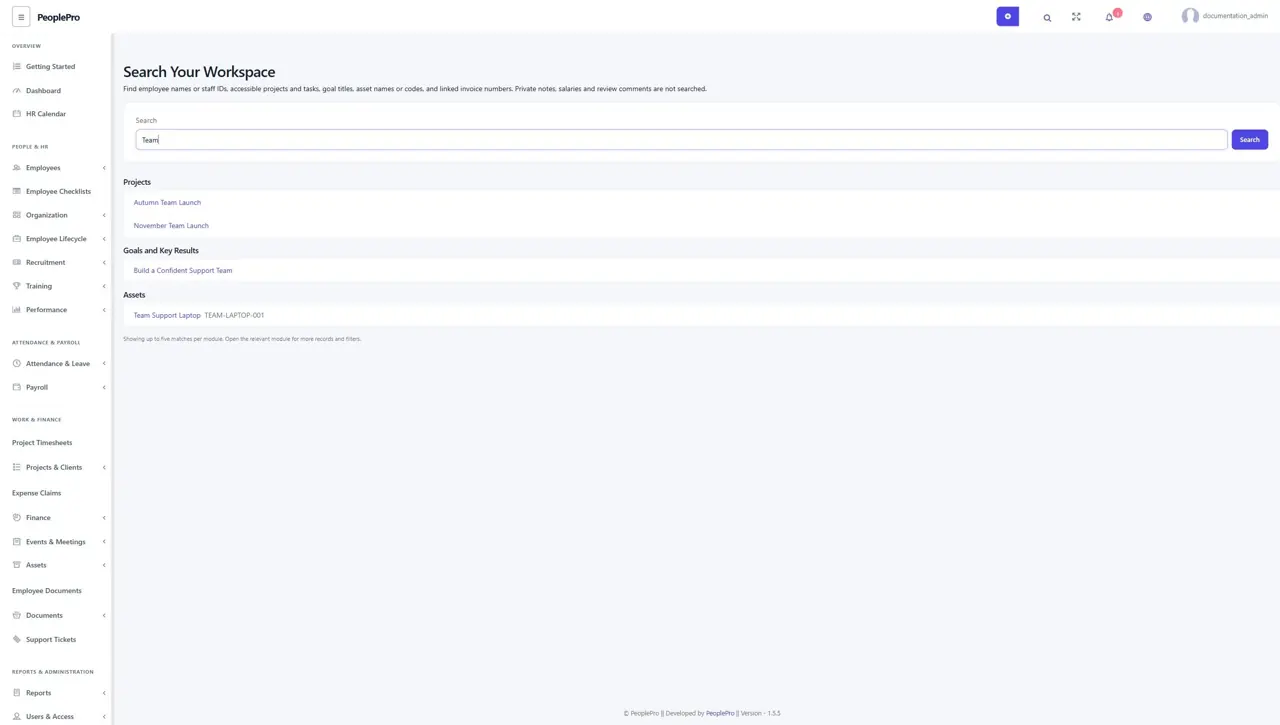
Select the magnifying-glass Search Your Workspace link in the header. Enter at least two characters from an employee name/ID, project, task, owned goal, asset or supported linked time invoice. Results update as you type. Each module shows a short set of authorized matches with links to its normal page; use that module list for a broader search.
Understand personal and restricted results
Search follows your package, permissions, company access and assignments. Employees see their allowed work, and clients see their own supported project/invoice information. Salaries, medical details, private review comments and long work descriptions are excluded. A missing result may mean that the record is outside your access, rather than missing from the system.
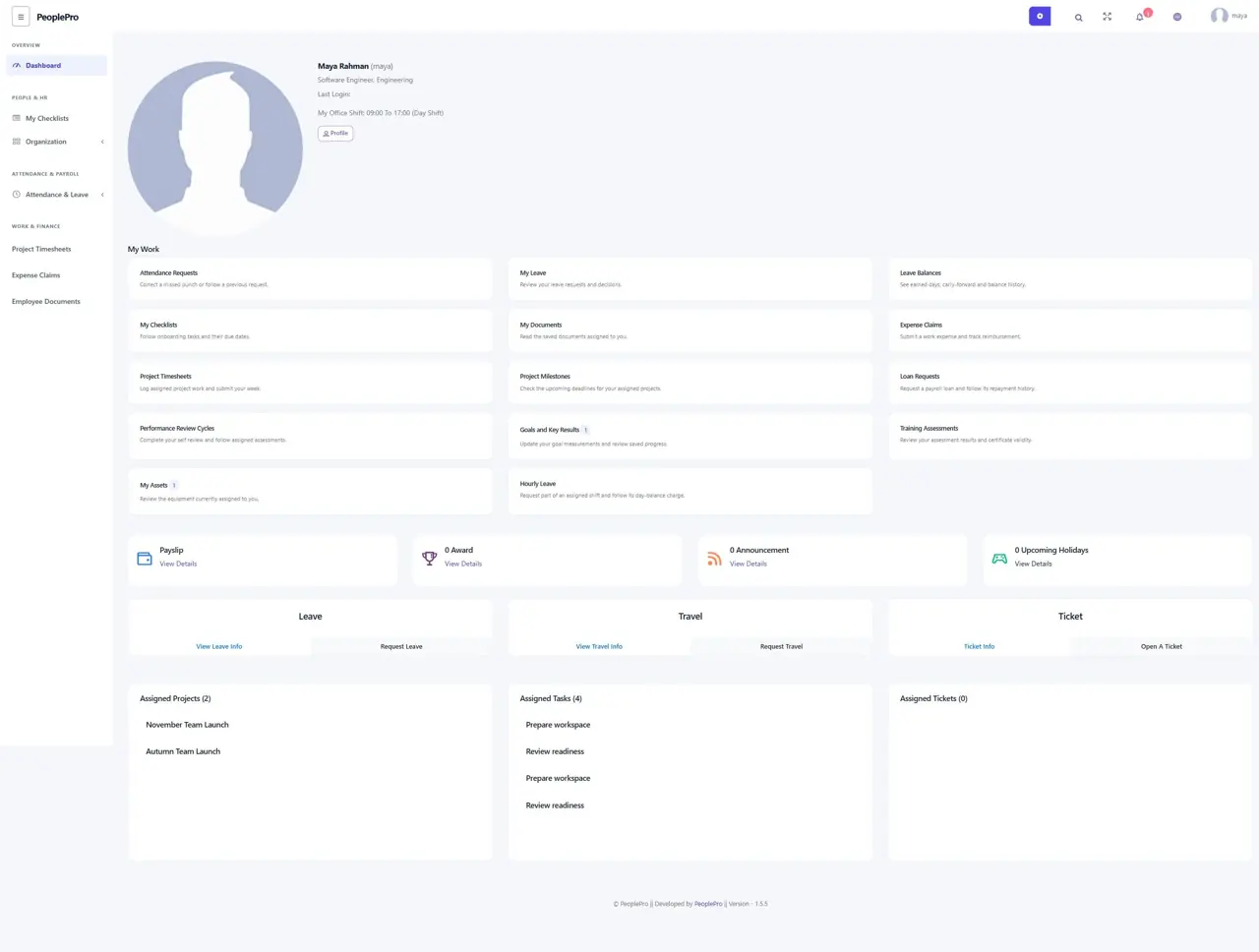
Use the expanded My Work dashboard
The employee dashboard offers assigned milestones, loan requests, performance cycles, owned goals, training results, current equipment and hourly leave alongside existing requests and documents. Counts refer only to that employee work; the equipment count shows currently assigned assets. A shortcut appears only when its module is enabled; it does not grant extra permissions.