Recruitment
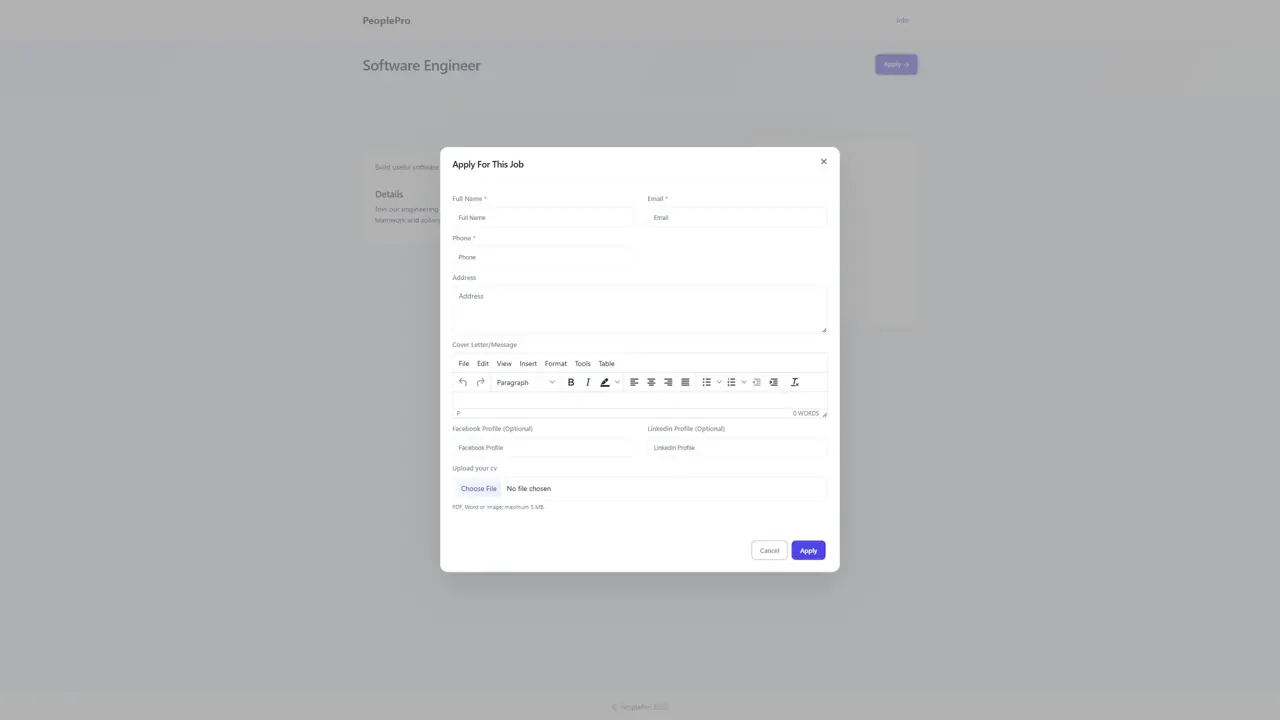
Open Recruitment > Job Post and select Add Job.
Last updated: 16 November 2026 · Product version: not specified in the supplied guide
Job Post
Open Recruitment > Job Post and select Add Job. Enter the position, company, category, number of vacancies, closing date and the job description and requirements shown in the form. Choose the appropriate publication status. Review the listing from the public recruitment website before sharing it with applicants. Use the list to update or close a vacancy.
Job Candidates
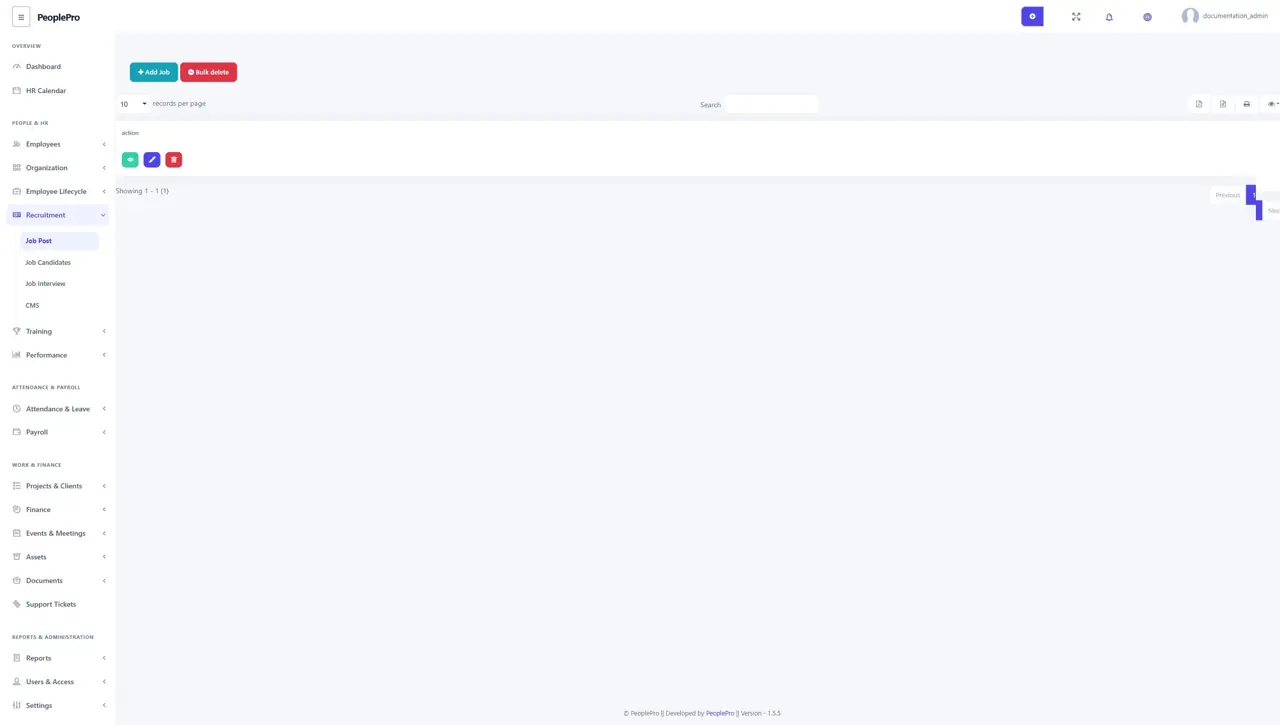
Open Recruitment > Job Candidates to review applications received for your vacancies. Search by job or candidate information and use the available actions to inspect an application, access its uploaded CV and update its recruitment status. A CV can be downloaded only when that applicant's uploaded file is available. Keep recruitment status up to date as the candidate progresses.
Job Interview
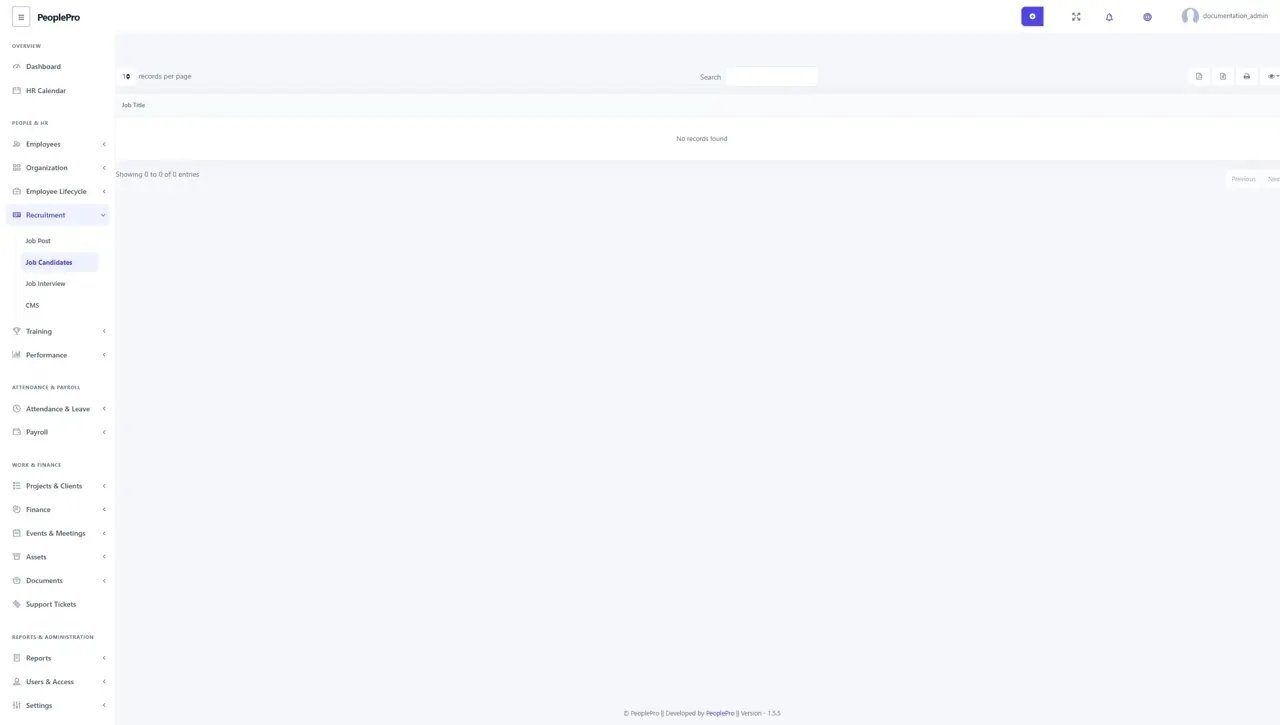
Open Recruitment > Job Interview and select Add Interview to arrange an interview. Choose the relevant job and candidates, then enter the interview location, date and time and any other required details. Check the schedule before saving. Use the list to maintain the arrangement if the interview time or venue changes.
Recruitment website content
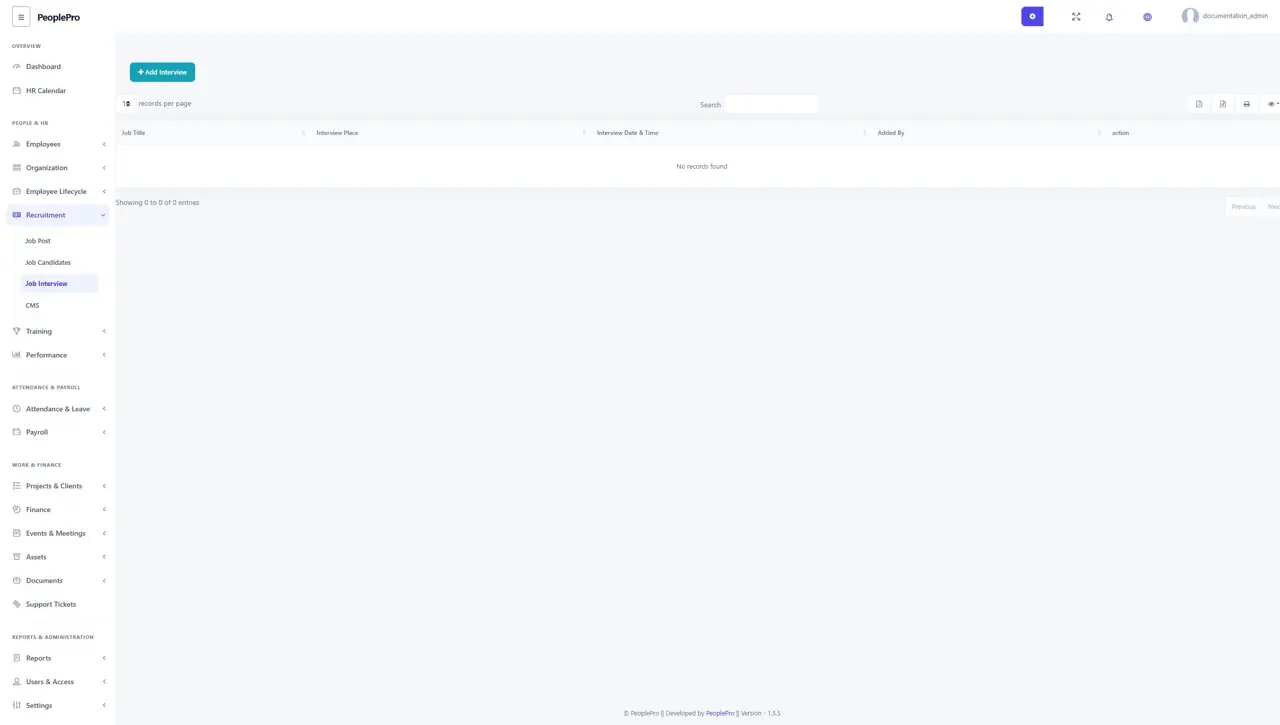
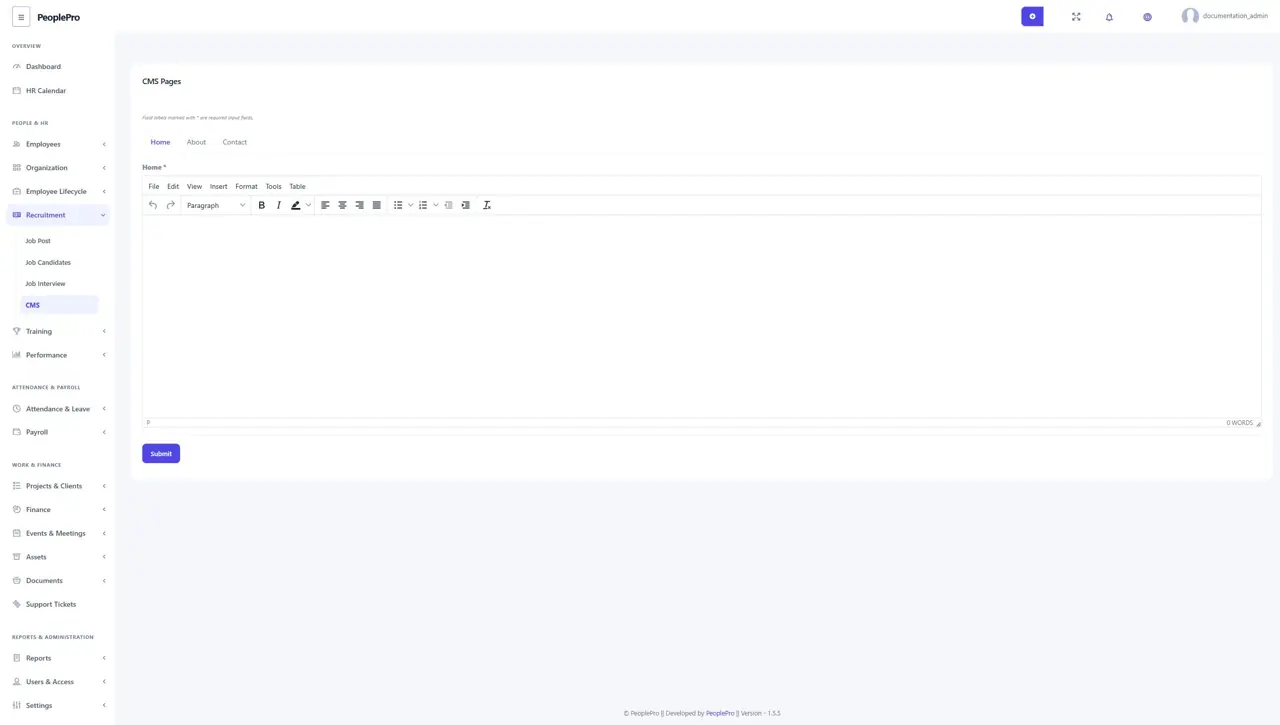
Open Recruitment > CMS to edit the public recruitment website's Home, About and Contact content. Choose the relevant tab, write the content in the editor and use the form's save control. Preview the public page after saving to confirm that applicants see the intended wording and contact information. This is the recruitment website content editor for standalone PeoplePro.
Public job listings
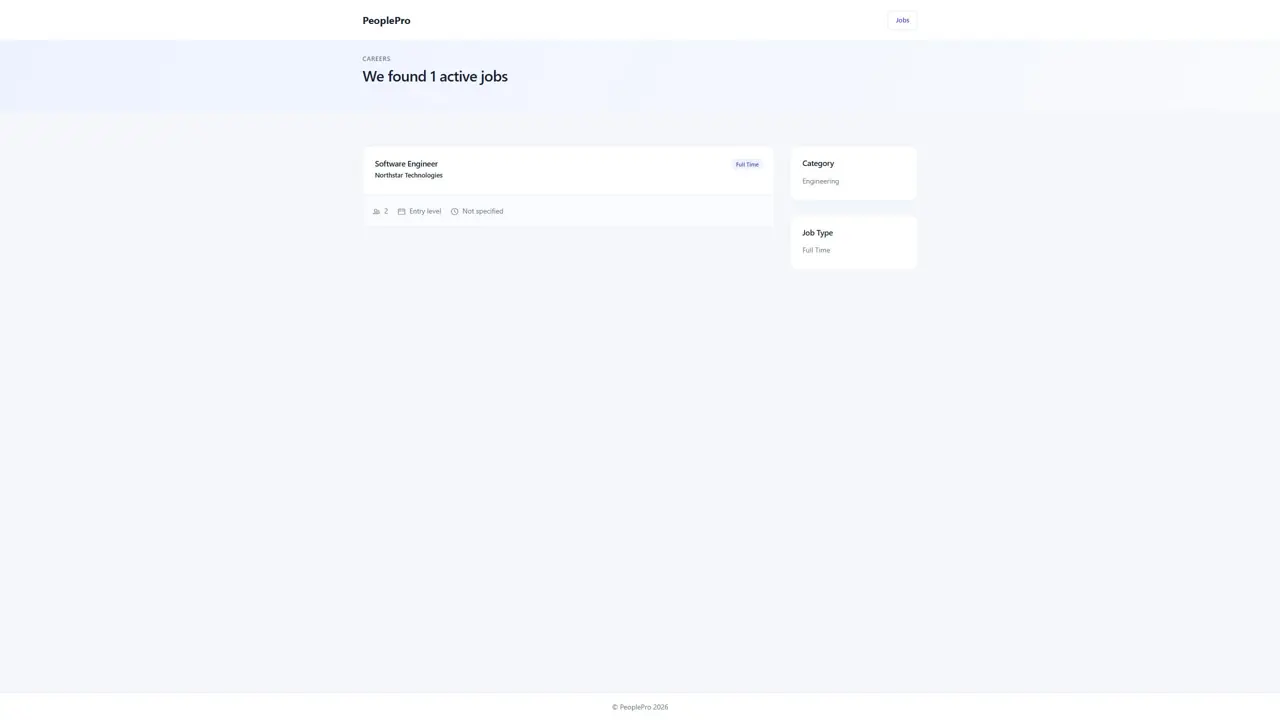
Share your PeoplePro website followed by /jobs with applicants. Visitors can browse the published positions and use the category or job type choices available on the page. Select a position to read its full description, company, experience requirement, vacancies and application closing date. Publish and maintain these listings from Recruitment > Job Post.
Job details for applicants
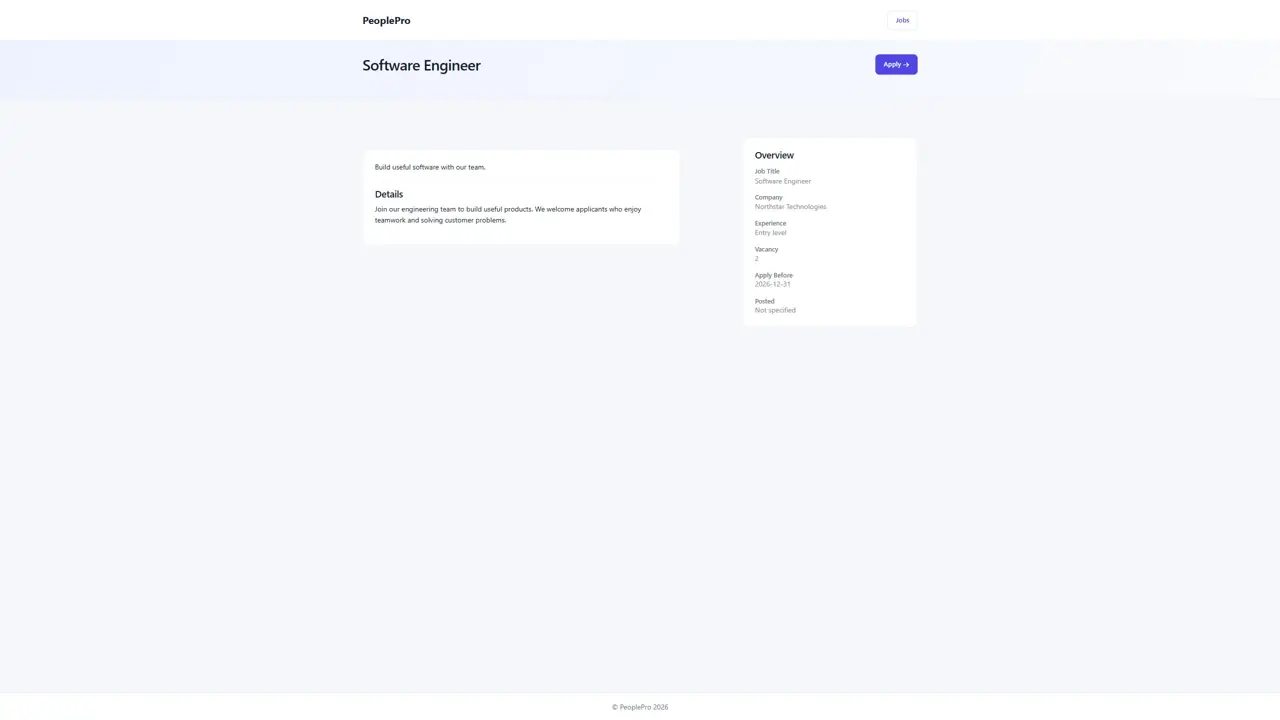
The job detail page brings the position description and important application information together. Applicants should review the requirements and closing date before choosing Apply. Keep the job description clear about responsibilities, required experience and how the role fits the organization.
Submit a job application
On the job detail page, select Apply. Enter the full name, email and phone number, add the address and cover letter if appropriate, and attach a CV. The form accepts PDF, Word or image files up to 5 MB. Optional Facebook and LinkedIn profile fields are also available. Review the application before submitting. HR can then review it from Recruitment > Job Candidates.