Customer Portal and Shared Documents
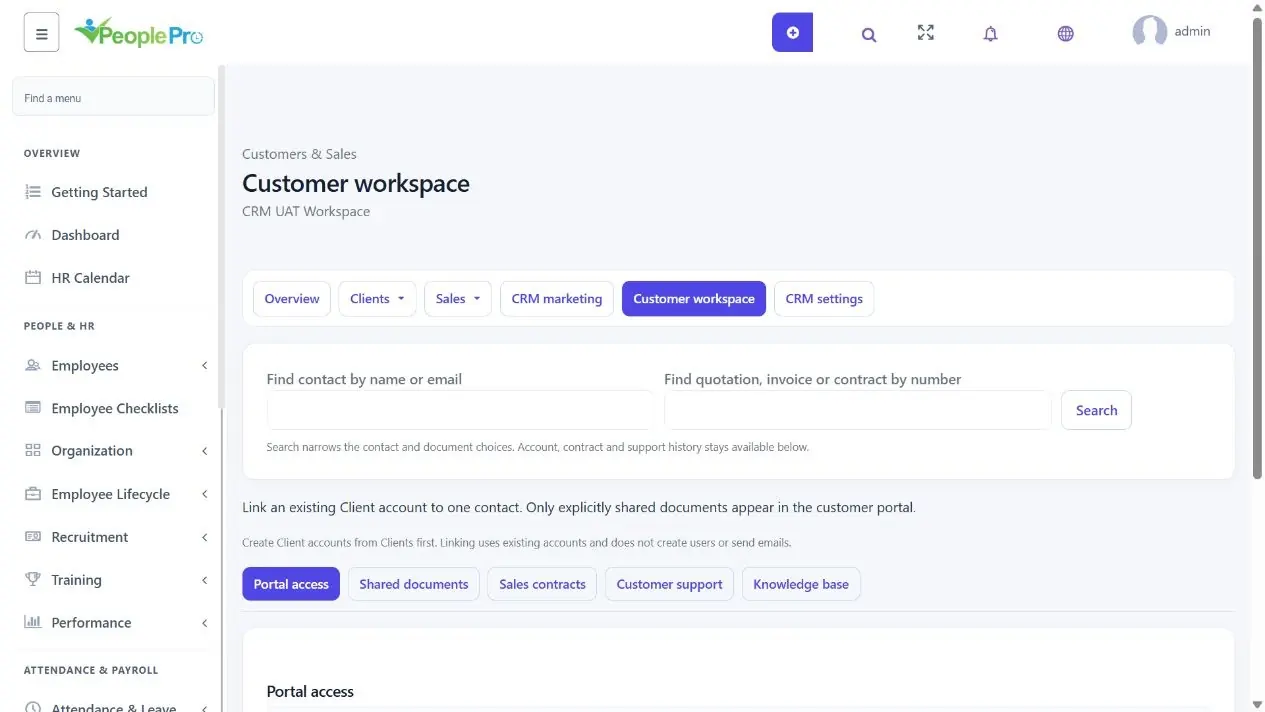
Open Customer workspace and choose Portal access, Shared documents, Sales contracts, Customer support or Knowledge base.
Last updated: 16 November 2026 · Product version: not specified in the supplied guide
Use the Customer workspace tabs
Open Customer workspace and choose Portal access, Shared documents, Sales contracts, Customer support or Knowledge base. You see only sections permitted by your role. The contact search narrows contact choices, while the document-number search narrows quotations, invoices and contracts; saved account, contract and support history remains available.
Select an Add, New or Edit heading to open its form. Switching tabs keeps typed values while you stay on the page, but does not save them. Complete the form with its Add or Save button before leaving or reloading. If validation fails, read the message and correct the reopened form. You can use Tab and Enter on the controls; focused section tabs also support arrow keys.
Link an existing Client account to one contact
First create the customer login in Projects & Clients, Client, using the correct company. Then open CRM, Customer workspace, Portal access and expand Link customer account. Select the matching active contact and Existing Client account. Their saved email addresses must match. Save the link; this uses an existing login and does not create another account or email credentials.
To pause CRM portal access, select Deactivate access in the linked row. Reactivate access restores that link when appropriate. This controls CRM portal access; manage the underlying user account separately if the customer must also lose access to older project/client pages.
Choose the audience and expiry of a document link
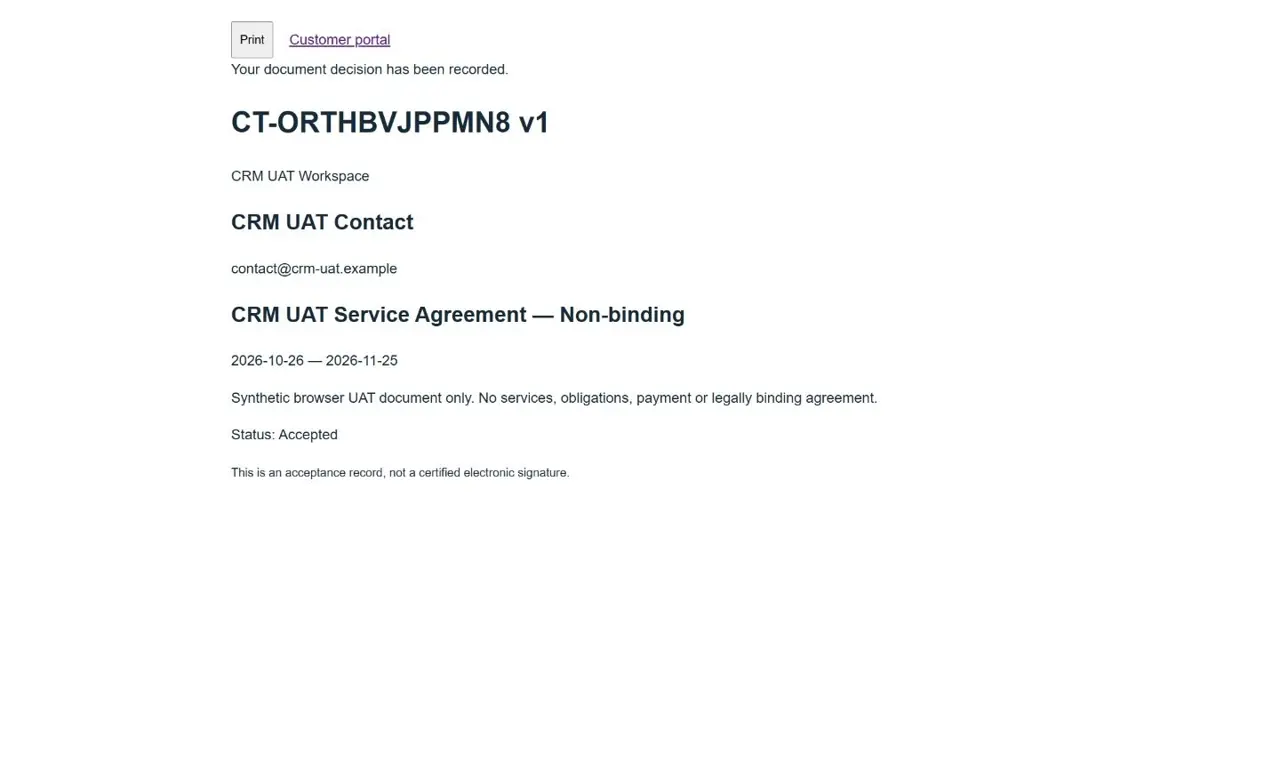
Linked customer only requires the exact linked account to sign in. Anyone with this link is a read-only public document link, so share it carefully. Set an expiry of up to 30 days and revoke the link when it is no longer needed. Customers record a decision only after signing in and reviewing the exact version. Superseded, expired or revoked documents cannot receive a new decision. This is an acceptance record, not a certified electronic signature.