Organization Setup
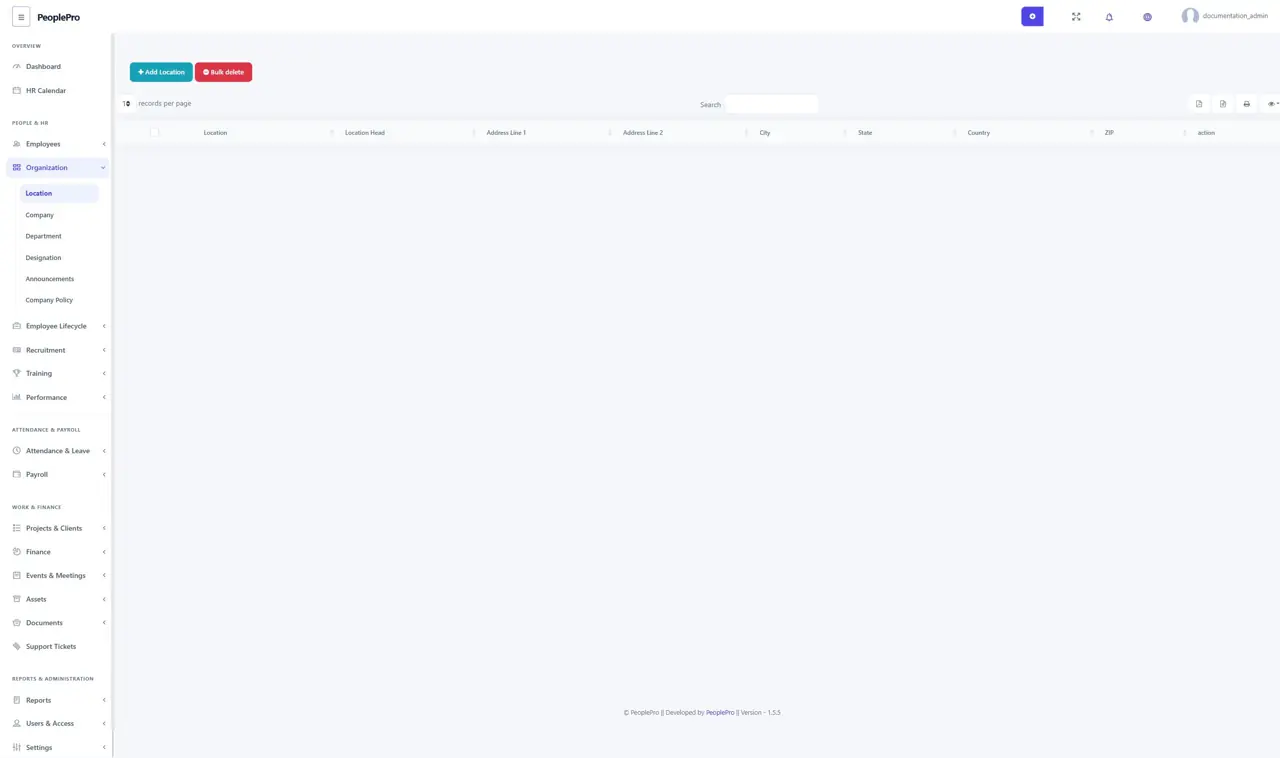
Open Organization > Location and select Add Location.
Last updated: 16 November 2026 · Product version: not specified in the supplied guide
Location
Open Organization > Location and select Add Location. Enter the location name and the address or other required details shown in the form. Locations represent your offices or operating sites and can be selected when configuring a company. Use the row actions to maintain an existing location. Create clear names such as Dhaka Office or Chattogram Office.
Company
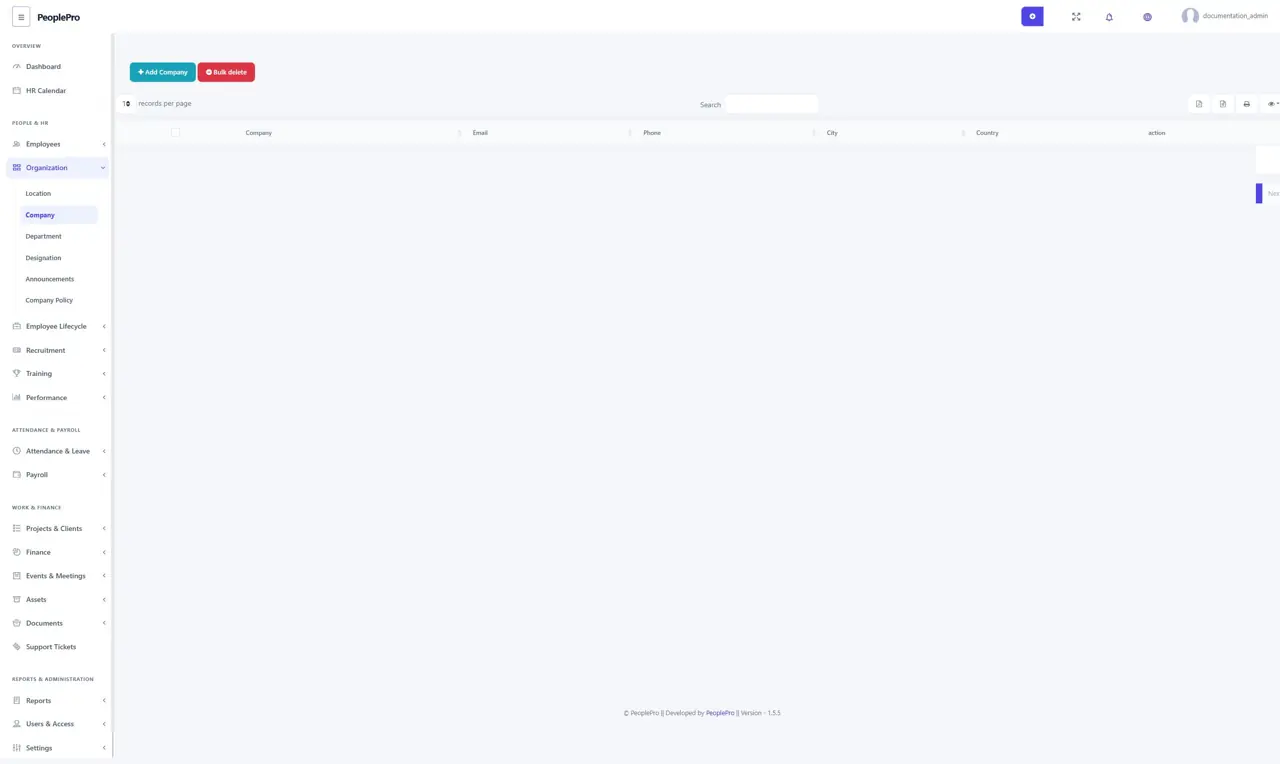
Open Organization > Company and select Add Company. Enter the company name and complete its required registration, contact and location details. Save the record before creating departments or employees for it. If you manage several companies, use distinct names so users can identify the correct company in dropdowns and reports.
Department
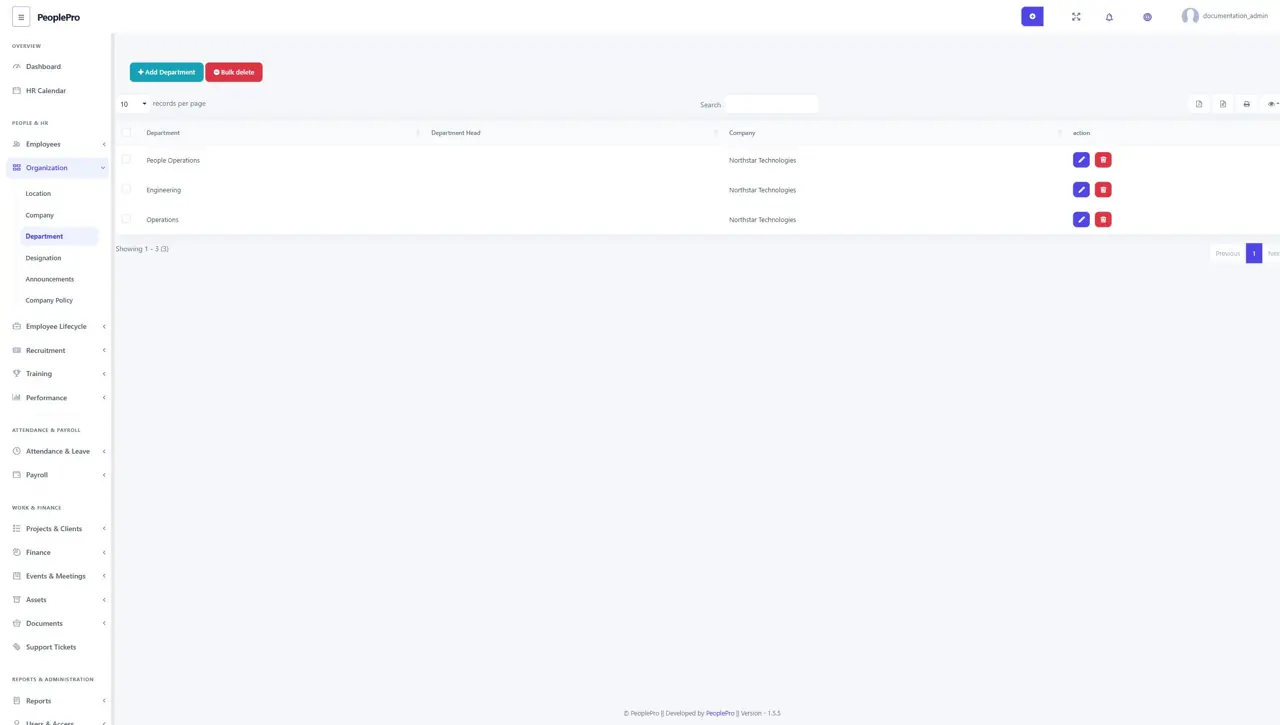
Open Organization > Department and add the departments used by each company, such as Engineering or People Operations. Select the correct company before saving the department name. Departments help organize employee records and narrow attendance, payroll and reporting results. Keep the spelling consistent, especially if you plan to import employees.
Designation
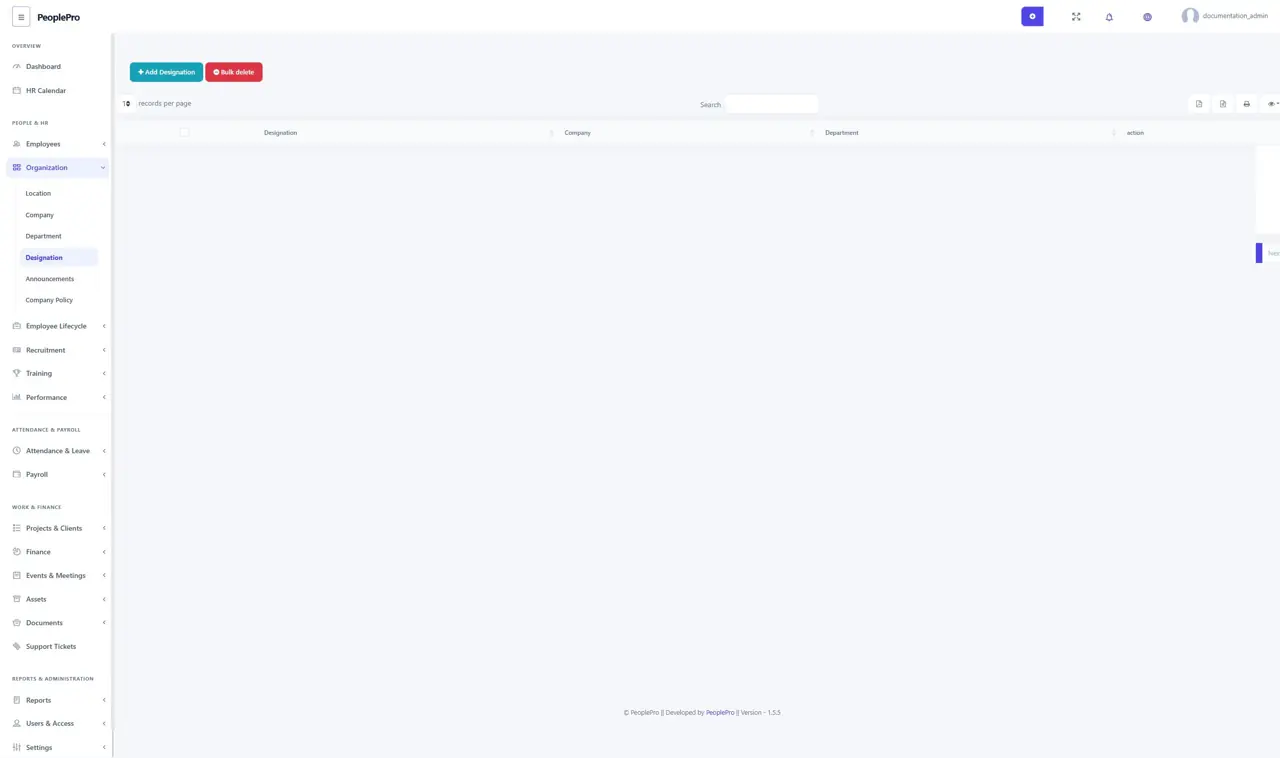
Open Organization > Designation to define job titles within the company and department structure. Add a designation such as Software Engineer, select its company and department, and save. When an employee is created, the selected company and department determine the relevant designation choices.
Announcements
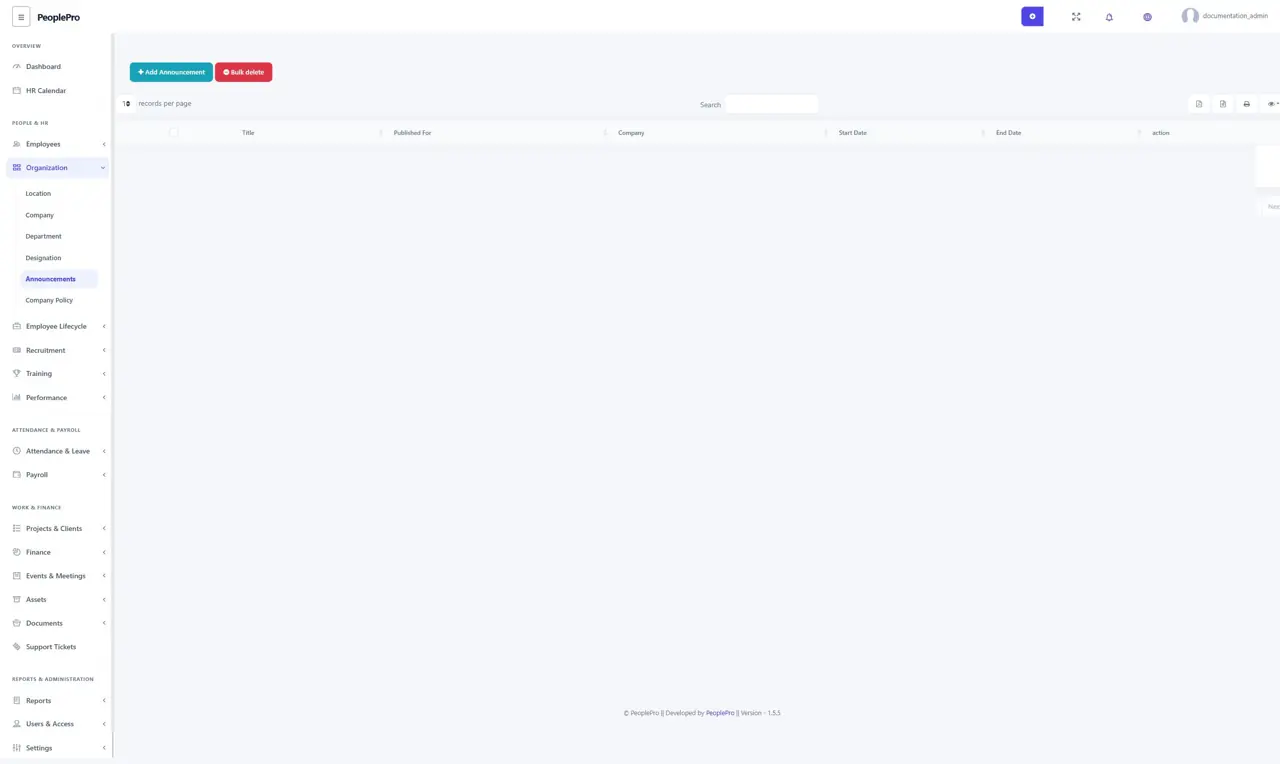
Open Organization > Announcements to share a notice with your organization. Select Add Announcement, choose the intended company or audience available in the form, and enter the title, dates and announcement text. Review the content before saving. Relevant announcements are also surfaced in the workspace dashboard.
Company Policy
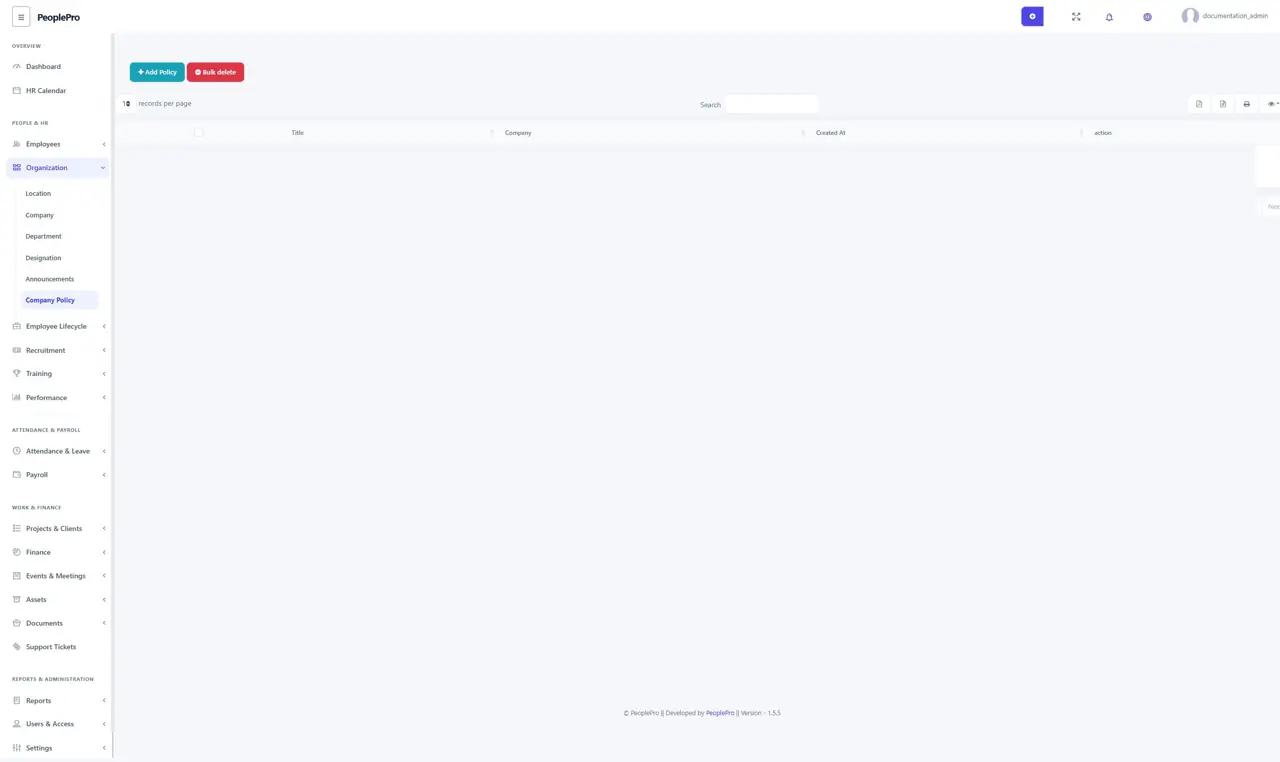
Open Organization > Company Policy to maintain policies such as leave rules, working hours or acceptable use. Add a policy, choose the relevant company and enter its title and description or attachment fields offered by the form. Keep the wording clear and update the policy when the organization changes its rules.