Finance
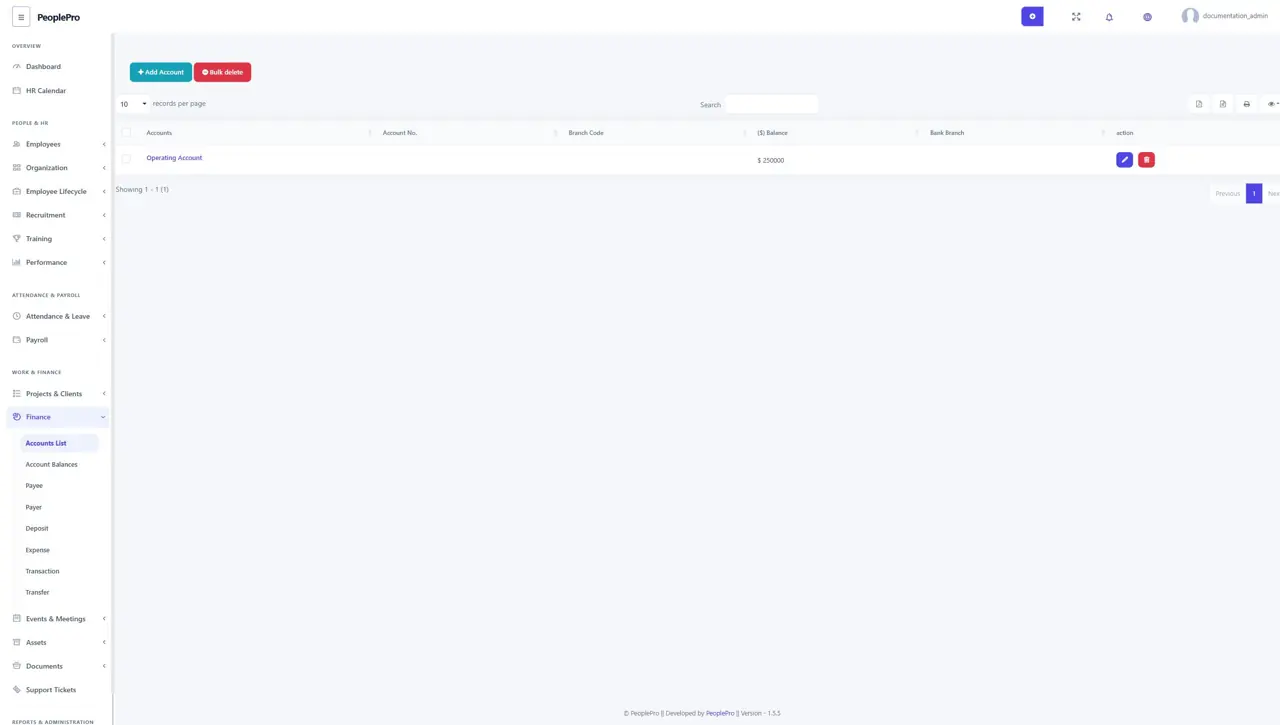
Open Finance > Accounts List to create the organization's bank or cash accounts.
Last updated: 16 November 2026 · Product version: not specified in the supplied guide
Finance accounts
Open Finance > Accounts List to create the organization's bank or cash accounts. Select Add Account and enter the account name, opening balance and the other details requested. Choose clear names such as Operating Account or Office Cash. These are organization finance accounts, separate from employee bank information.
Account balances
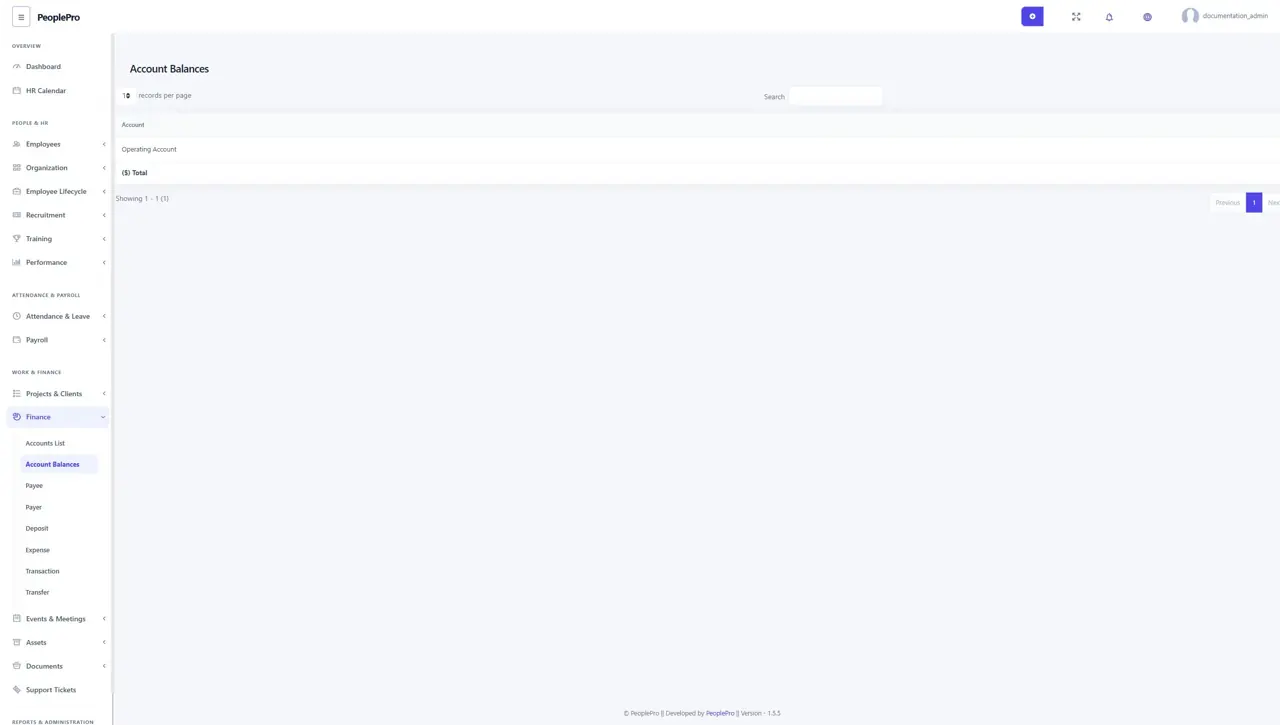
Open Finance > Account Balances to review the balances held in your finance accounts. Use this overview when checking whether deposits, expenses and transfers have been recorded against the intended account. Compare PeoplePro records with your bank or cash records during reconciliation.
Payees
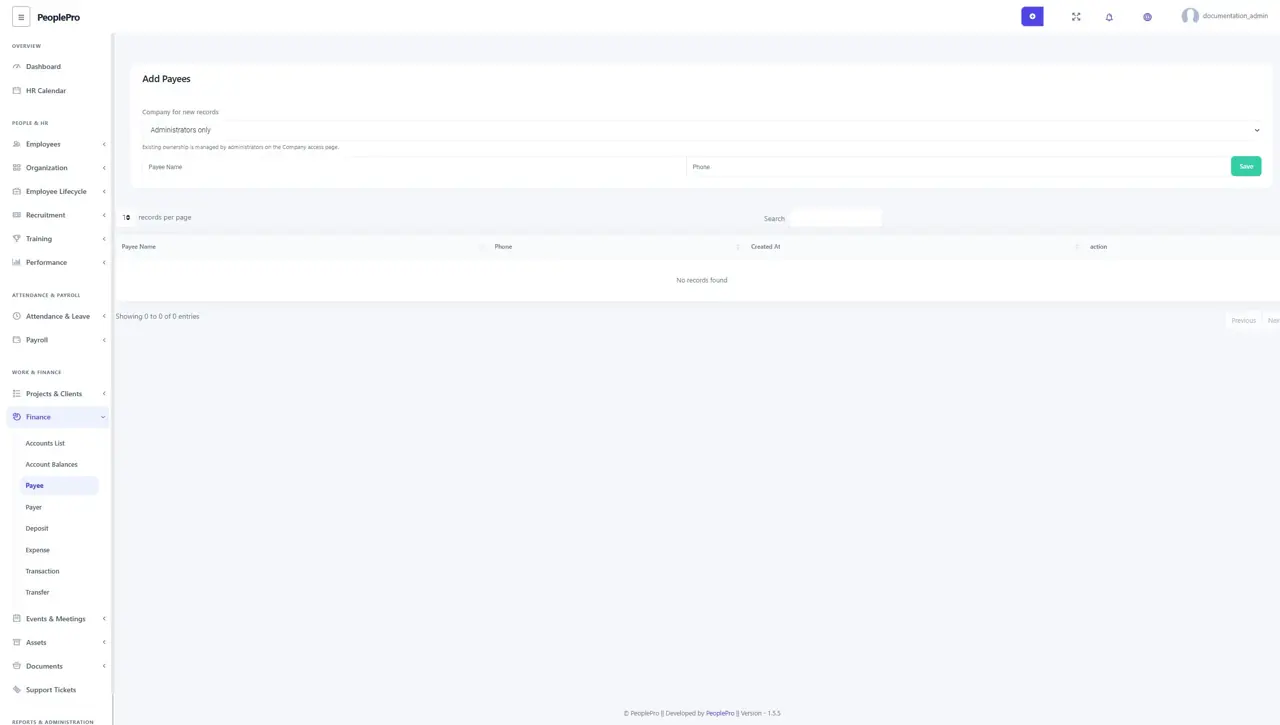
Open Finance > Payee to maintain the people or businesses receiving payments. Select Add Payee, enter the required contact information and save. Reuse the correct payee when entering an expense so reports group related payments consistently.
Payers
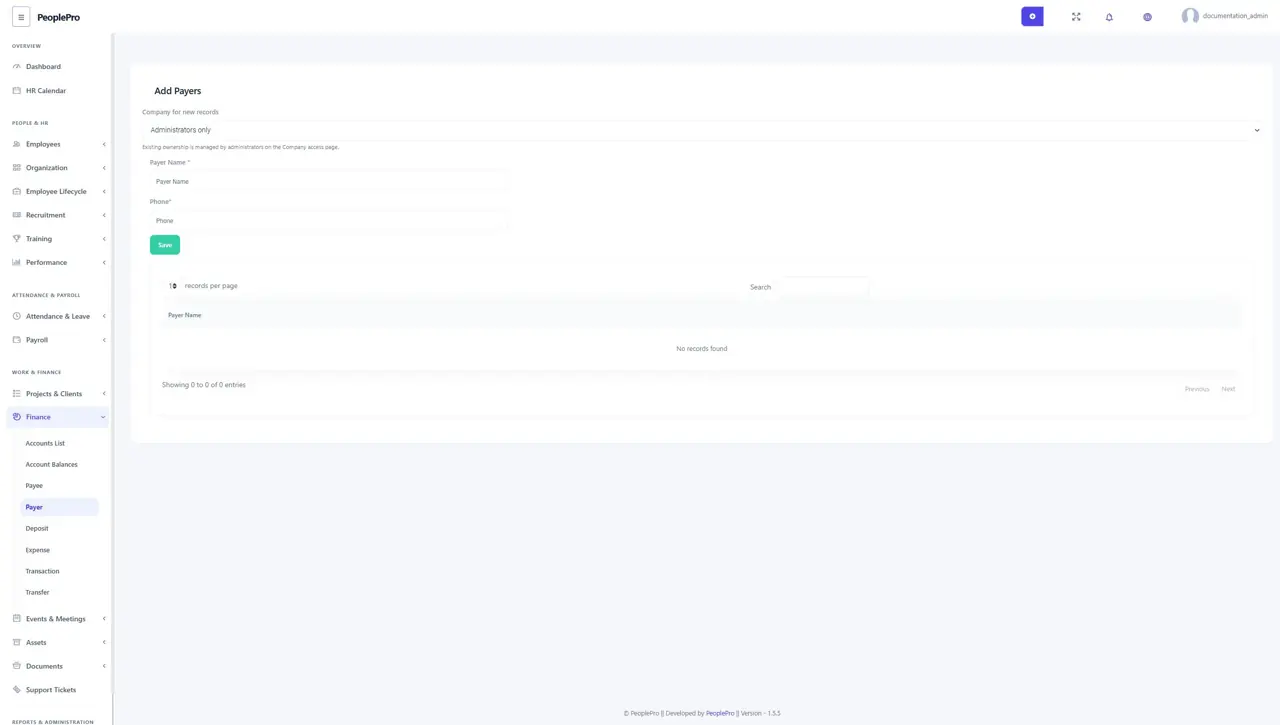
Open Finance > Payer to maintain the people or businesses from whom you receive money. Add the required name and contact details. Select the correct payer when recording a deposit to keep the source of income clear.
Deposits
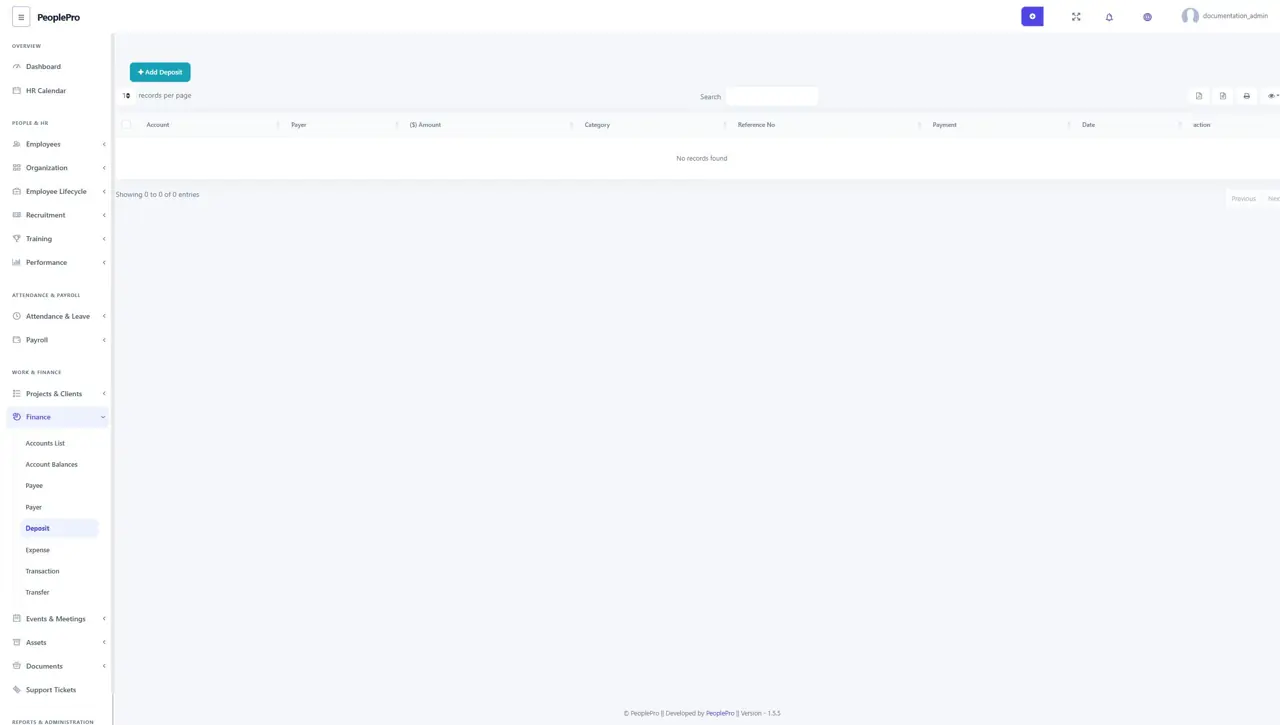
Open Finance > Deposit and select Add Deposit to record incoming money. Choose the finance account, category, payer and payment details available in the form. Enter the date, amount and reference carefully. Save the record, then check the account balance and deposit report. A deposit entry records the transaction in PeoplePro; it does not collect money from an external account.
Expenses
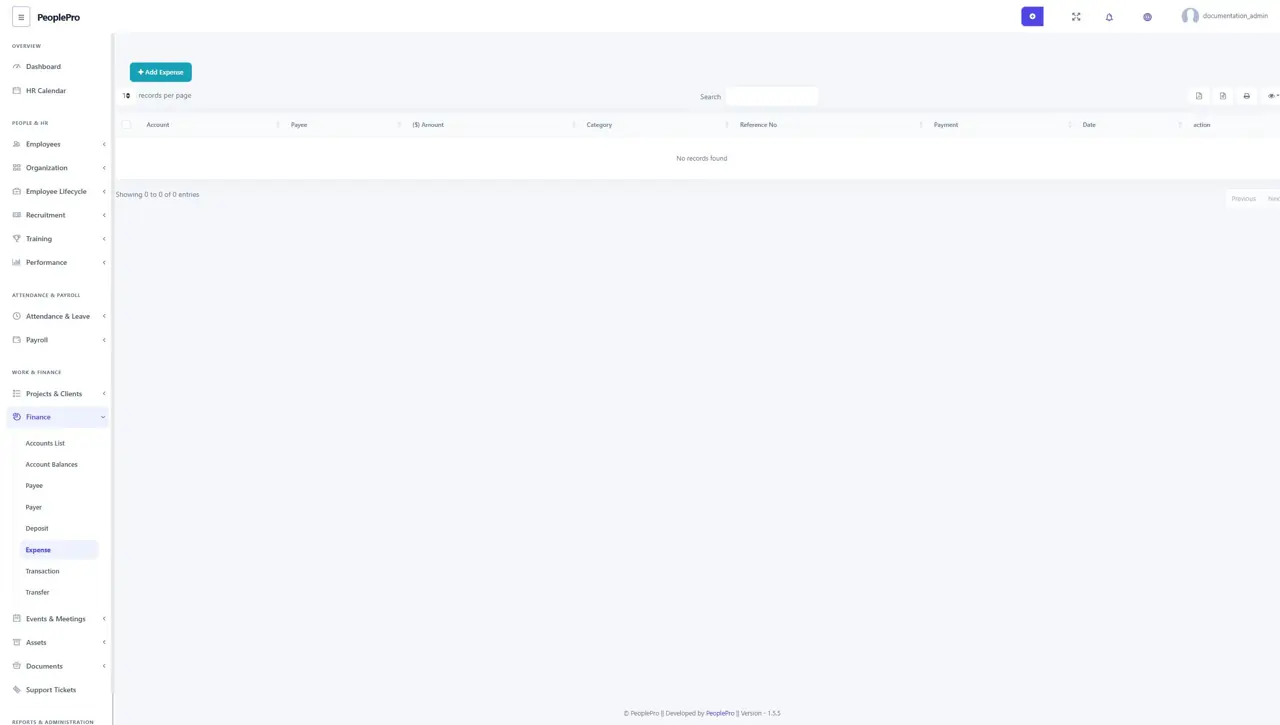
Open Finance > Expense and select Add Expense. Choose the account, expense type, payee and payment information, then enter the date, amount and reference or description. Review the account and amount before saving. Use expense categories consistently to make the expense report useful.
Transactions
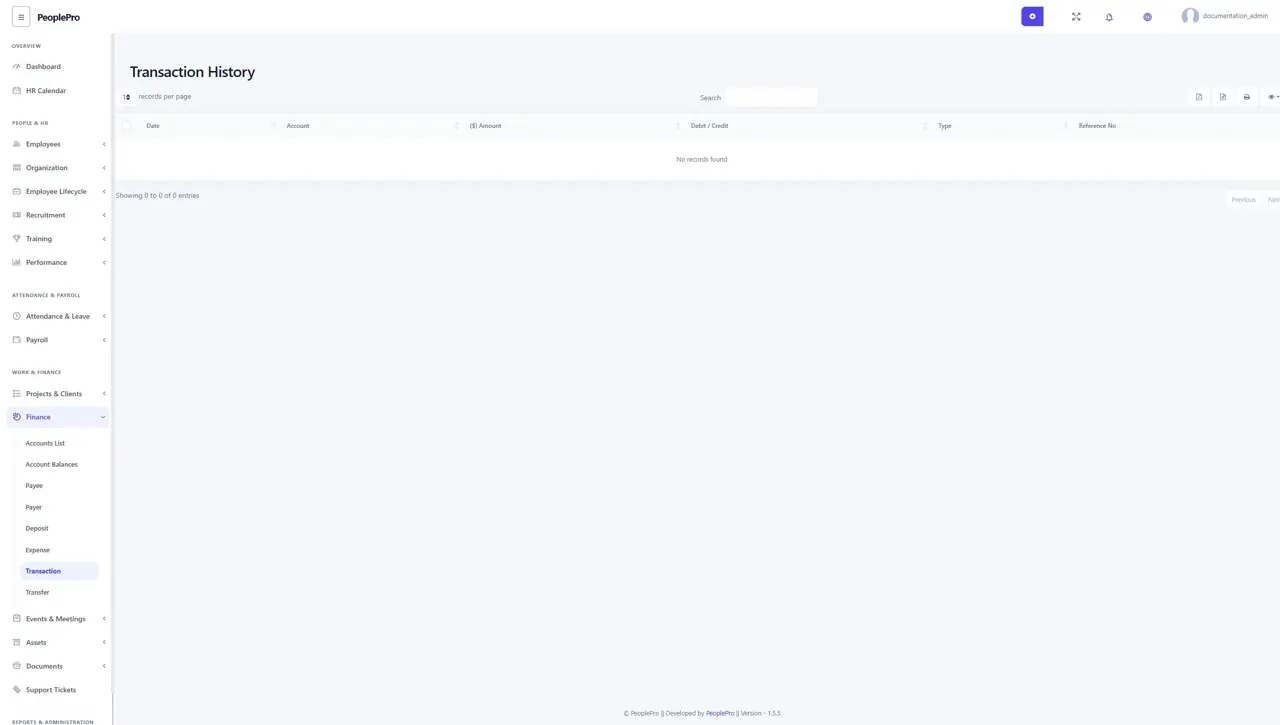
Open Finance > Transaction to review account activity across the finance records available to you. Search for a date, reference or other visible information and inspect the transaction type and amount. Use the individual deposit, expense or transfer page when you need to maintain the source record.
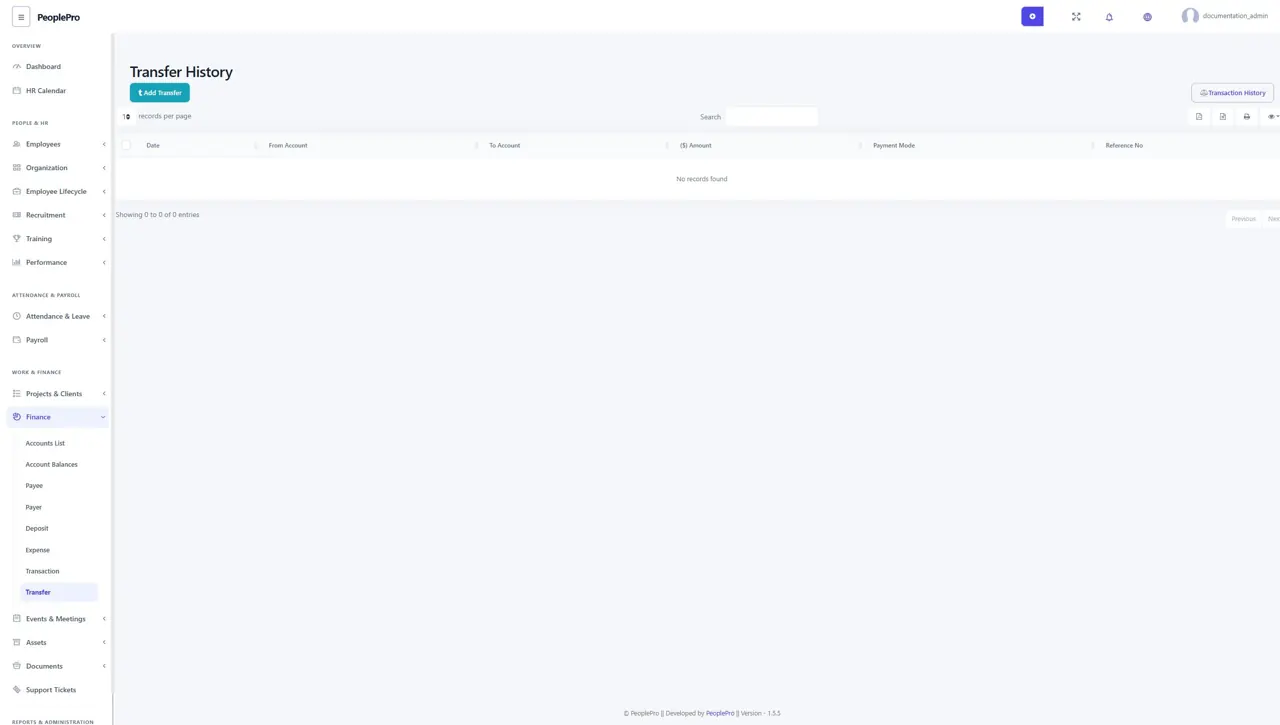
Transfers between finance accounts
Open Finance > Transfer to record money moving between organization finance accounts. Select the source and destination account, enter the amount, date and reference, and review the details before saving. This records the movement in PeoplePro; carry out any actual bank transfer using your normal banking process.