Ask Business Questions with the SalePro AI Assistant
Turn on AI Assistant, give intended users access, and use it to explore supported SalePro business questions and insights.
Step 1 — Enable AI Assistant#
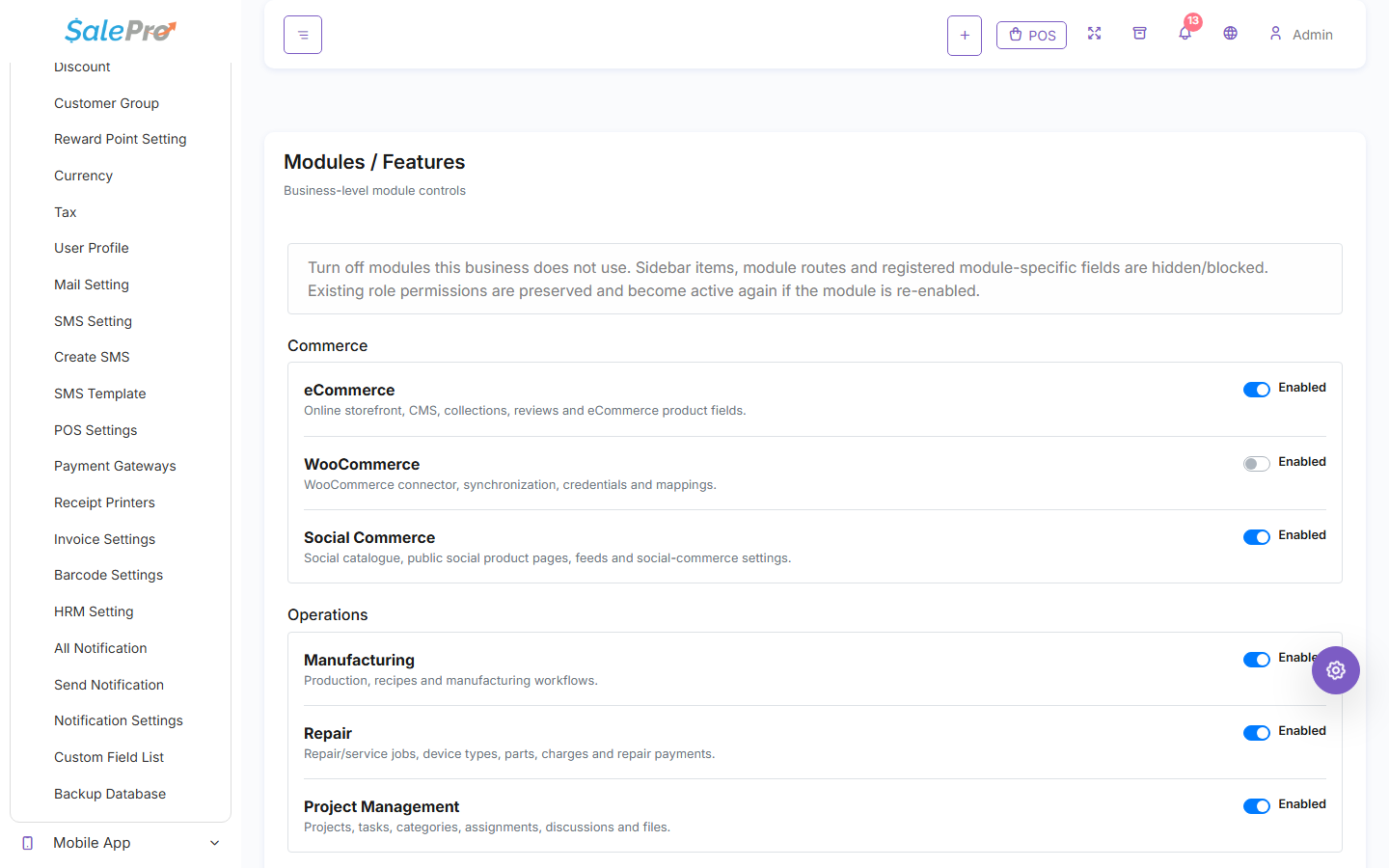
Sign in as an administrator and open Settings → Modules / Features. Enable AI Assistant, refresh the admin panel, and give only the intended users access through Roles / Permissions.
Step 2 — Open AI Assistant#
Open AI Assistant from the SalePro menu. Start with one of the suggested questions/business insights, or type a question supported by your version.
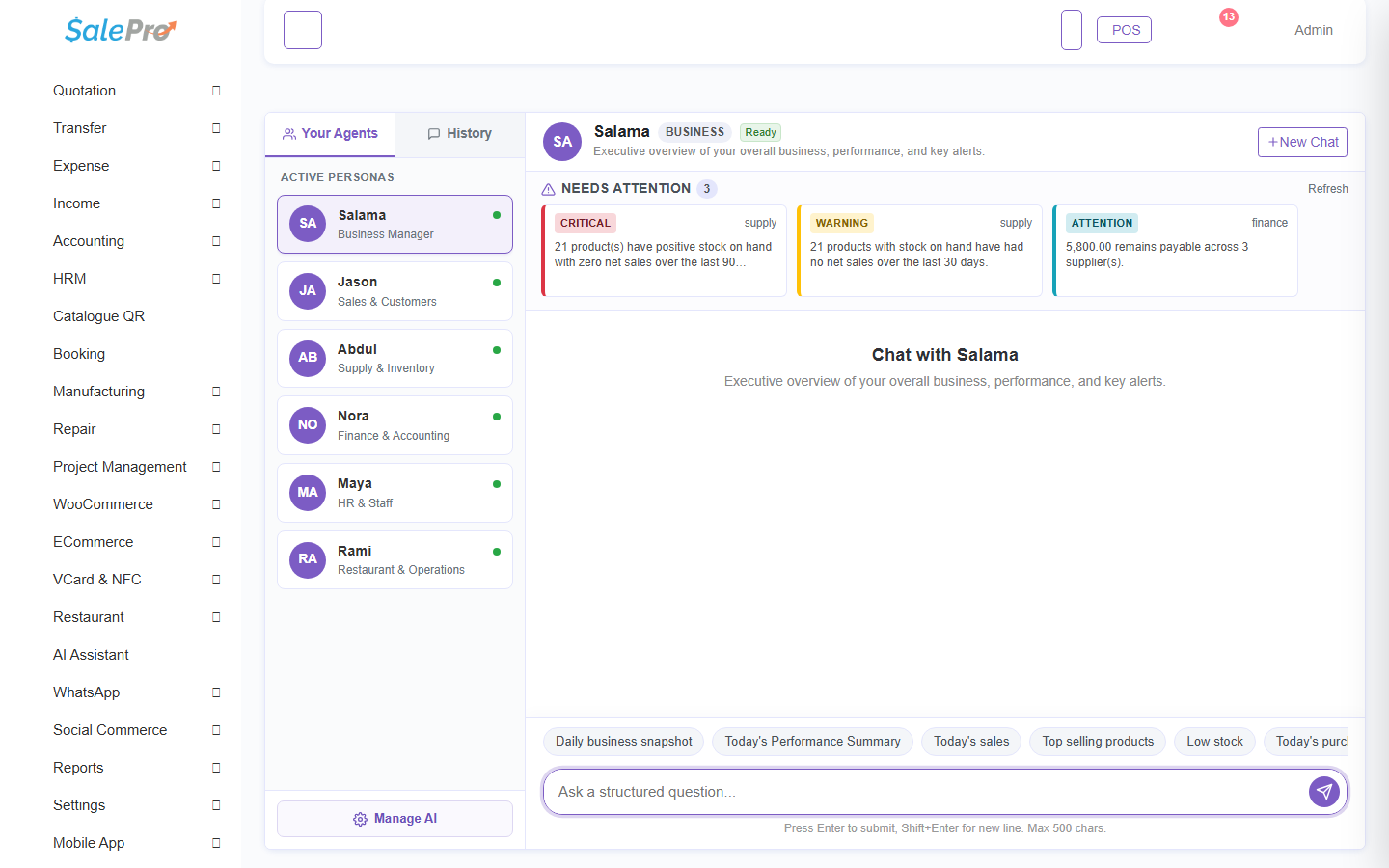
The answers are based on data the signed-in user is allowed to access, so different users can legitimately see different results.
Step 3 — Review optional provider/settings choices#
Some AI features can use an external AI provider. Before enabling one, review which provider/account is being used, whether data may leave your SalePro server, and any API cost/privacy requirements that apply to your business.
Use the assistant as a business-analysis aid. For accounting, tax, legal, or compliance decisions, verify the underlying SalePro transactions/reports and follow the professional or statutory process required in your jurisdiction.
If something is unclear, tell support which guide and section you were following.