Use Accounting Health and Periodic Inventory Close in SalePro
Accounting Health diagnoses evidence; repairs require preview and approval, while inventory close posts valuation without changing physical stock.
Accounting Health#
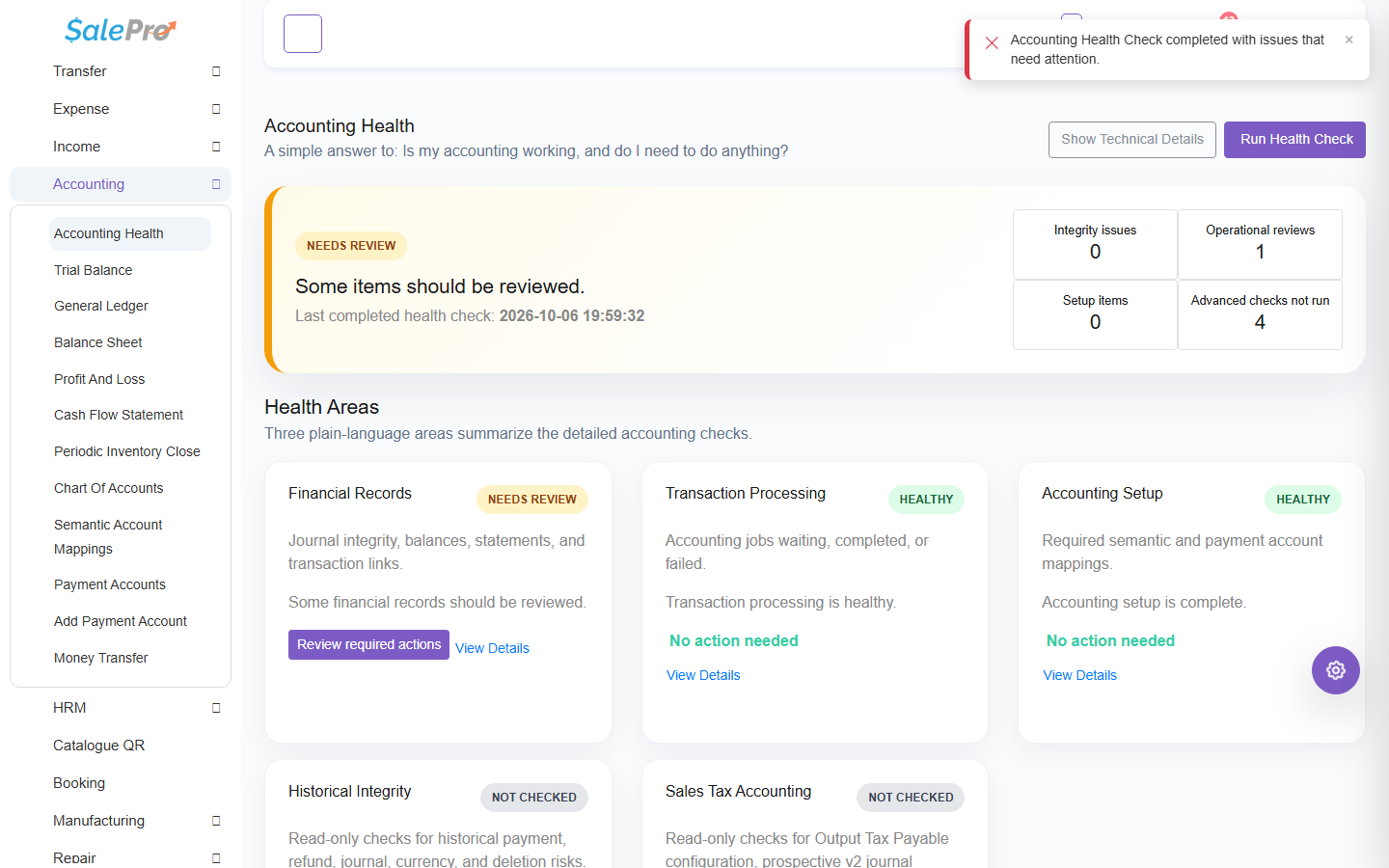
Run the health check after activating Accounting and after upgrades or imports. The quick health check is read-only. Review missing mappings, unbalanced or orphan evidence, payment-account mapping, and deep-scan findings. Deep scan requires the technical gate/permission and a working queue environment; it also requires explicit read-only confirmation. Where SalePro offers a repair, preview the plan, obtain separate approval, execute it, and keep its audit result. Inconclusive evidence is not repairable, a changed/stale target is refused, and a closed period blocks repair posting. A health tool is not permission to invent a historic exchange rate, tax decision, or payment.
Periodic inventory close#
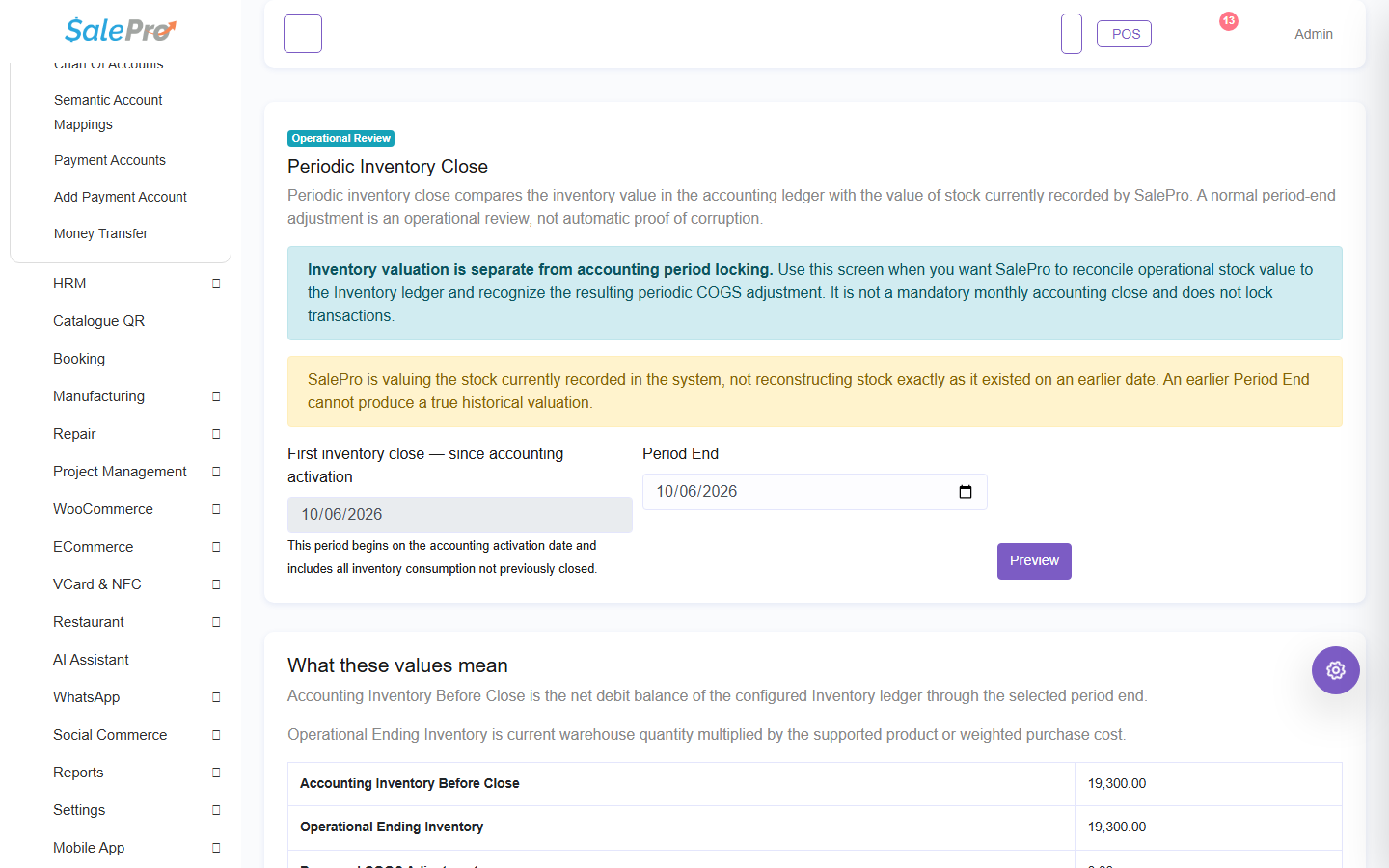
Use Accounting > Inventory Close after activation at the approved current cutoff. The first close starts at the accounting cutover; later closes start the day after the latest successful close. Review calculated operational value, book inventory, adjustment, and affected accounts before posting. SalePro blocks a historical (not-today) cutoff, start-after-end range, missing cost, negative stock, quantity mismatch, closed accounting period, or duplicate active close.
The close changes accounting inventory/COGS; it does not change physical quantities. A zero adjustment still creates an auditable close without a journal. Retry is idempotent. Recalculate reverses the active close before reposting. Use only the controlled reversal/recalculation actions and re-run the Trial Balance, General Ledger, Balance Sheet, and P&L afterward.
If something is unclear, tell support which guide and section you were following.