Set Up and Use Accounting in SalePro
Activate Accounting only after readiness checks and mappings are correct; source transactions then create balanced, reversible journals.
Activate and map#
Open Accounting > Activation, choose the correct new-business or existing-business path, complete the readiness checks, and activate deliberately. Existing historical data requires existing-business mode. Legacy balances require explicit review, and existing-business activation requires confirmation of a current database backup. Activation is blocked by partial configuration, unresolved journals/queue records, negative inventory, invalid mappings, control-balance anomalies, or an unbalanced proposed opening position.
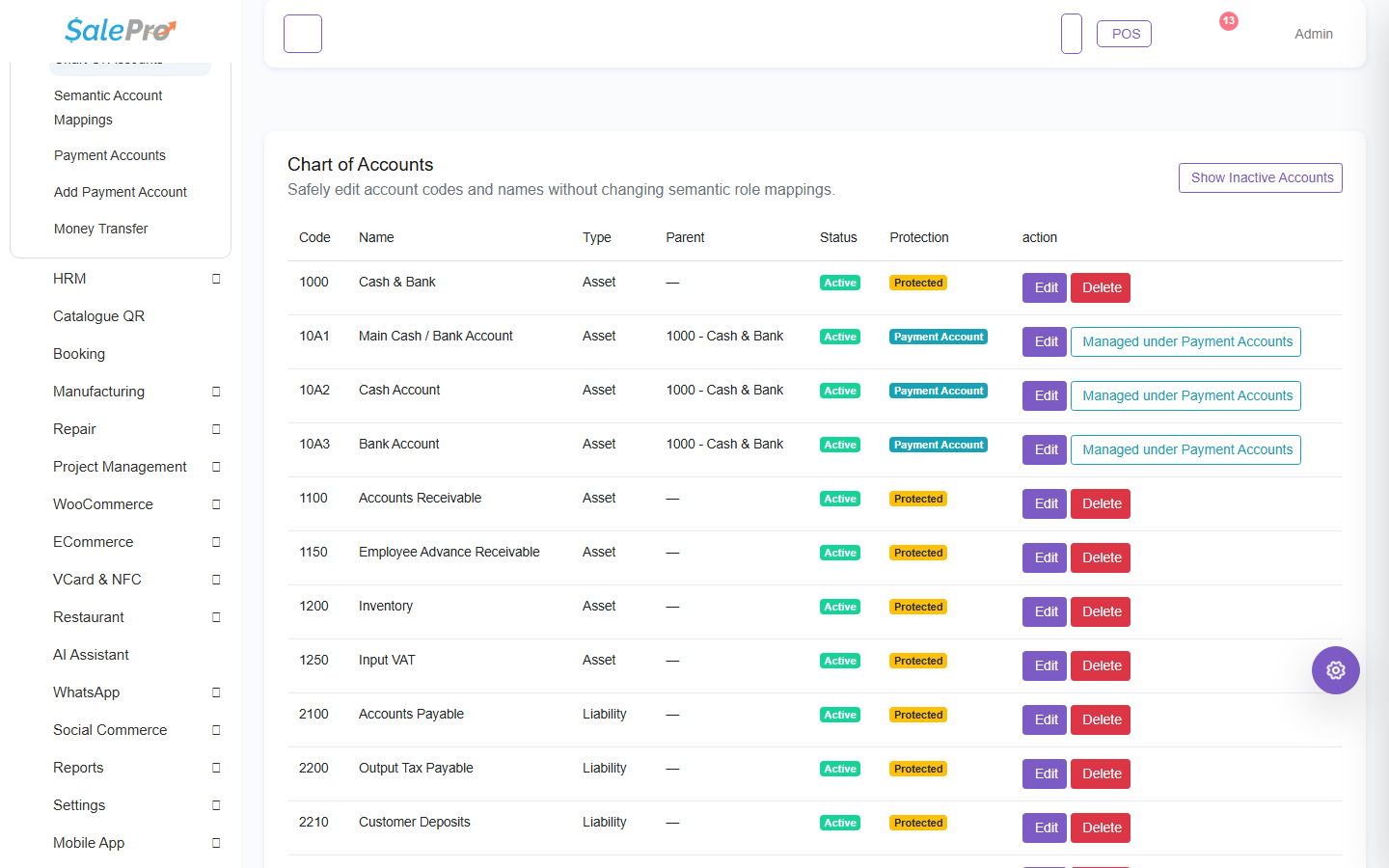
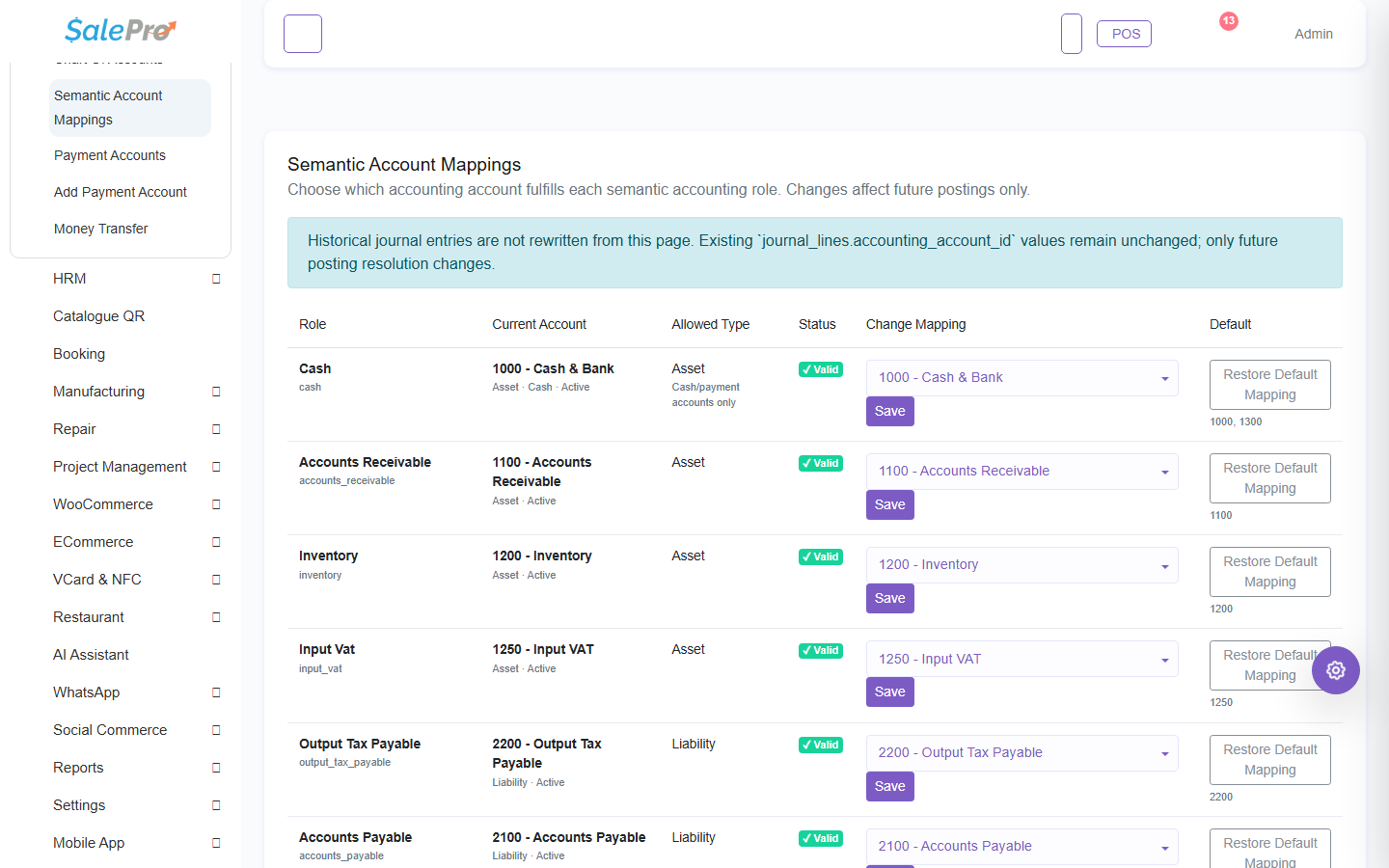
Review the Chart of Accounts, semantic account mappings, and payment-account mappings before live transactions. A payment method such as Cash or Card must resolve to the correct active financial account. Activation records a cutover snapshot; it is not a retroactive rewrite of every historic transaction.
What SalePro posts#
Supported sales, purchases, returns, payments, expenses, income, payroll, and other mapped workflows call the accounting service. Journals remain linked to their source and warehouse attribution. Edits and deletion reverse the previous journal before applying a corrected one; do not post manual entries merely to hide a source error.
Mapped or journal-used accounts cannot be casually deleted/deactivated, and a parent with children cannot be deleted. A closed accounting period blocks new posting and reversal in that period. Payment accounts and semantic mappings are dependencies of operational workflows, not optional report labels.
Financial statements#
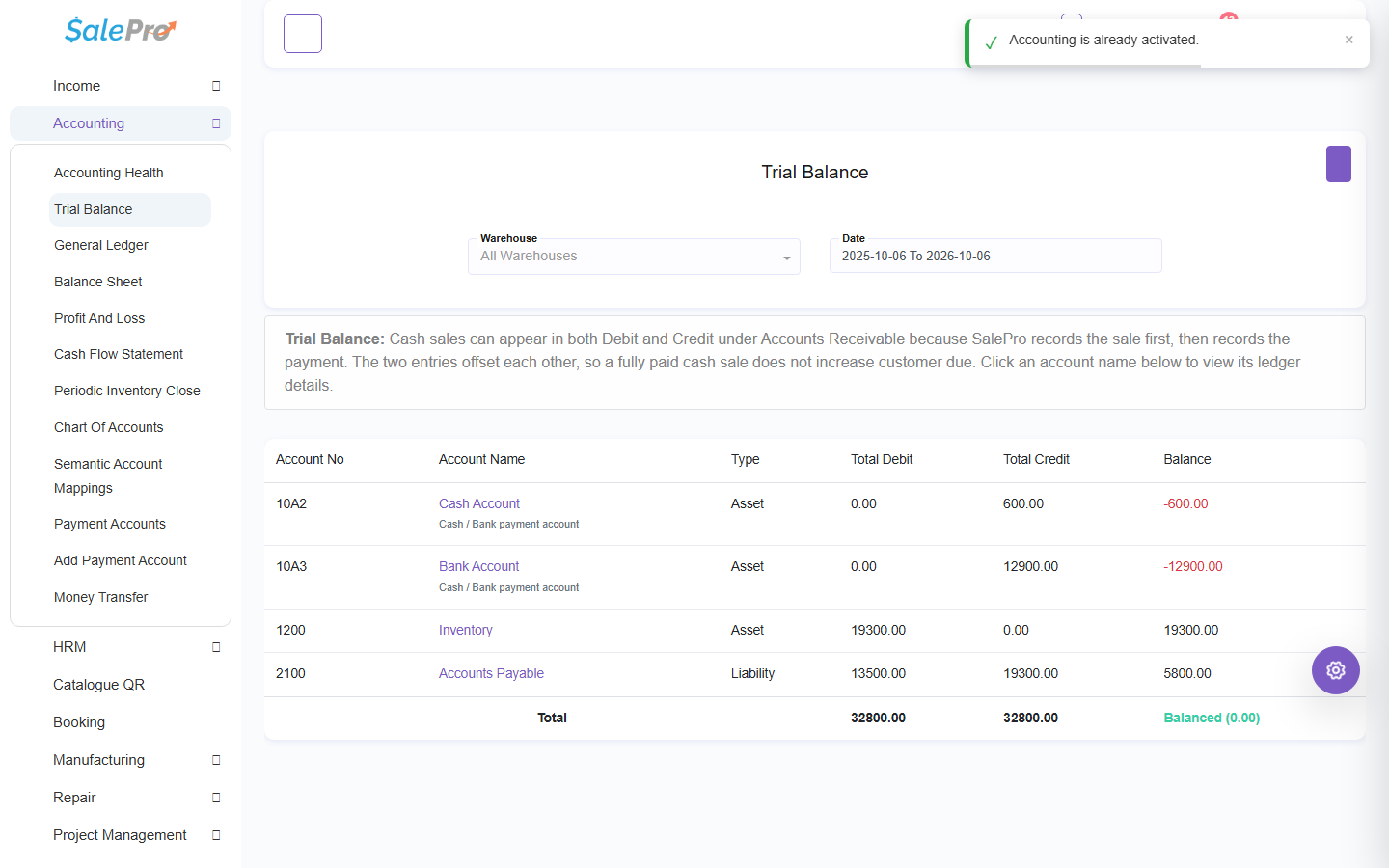
- Trial Balance checks total debits and credits.
- General Ledger shows account activity and source references.
- Balance Sheet shows assets, liabilities, and equity.
- Profit and Loss shows period income and expense.
- Cash Flow Statement classifies cash movement.
Reports use base-accounting values from recorded snapshots. They do not reconstruct missing historical FX or tax policy.
See Business and currency setup and Accounting Health and inventory close.
If something is unclear, tell support which guide and section you were following.