Find and Reconcile Reports in SalePro
Filter reports by the same date, warehouse, party, and status before comparing them; use ledgers for movement and summaries for trends.
Use transaction reports for operational detail, due reports for receivables/payables, the Stock Ledger for movement, accounting statements for posted financial evidence, and profitability reports for realized margin.
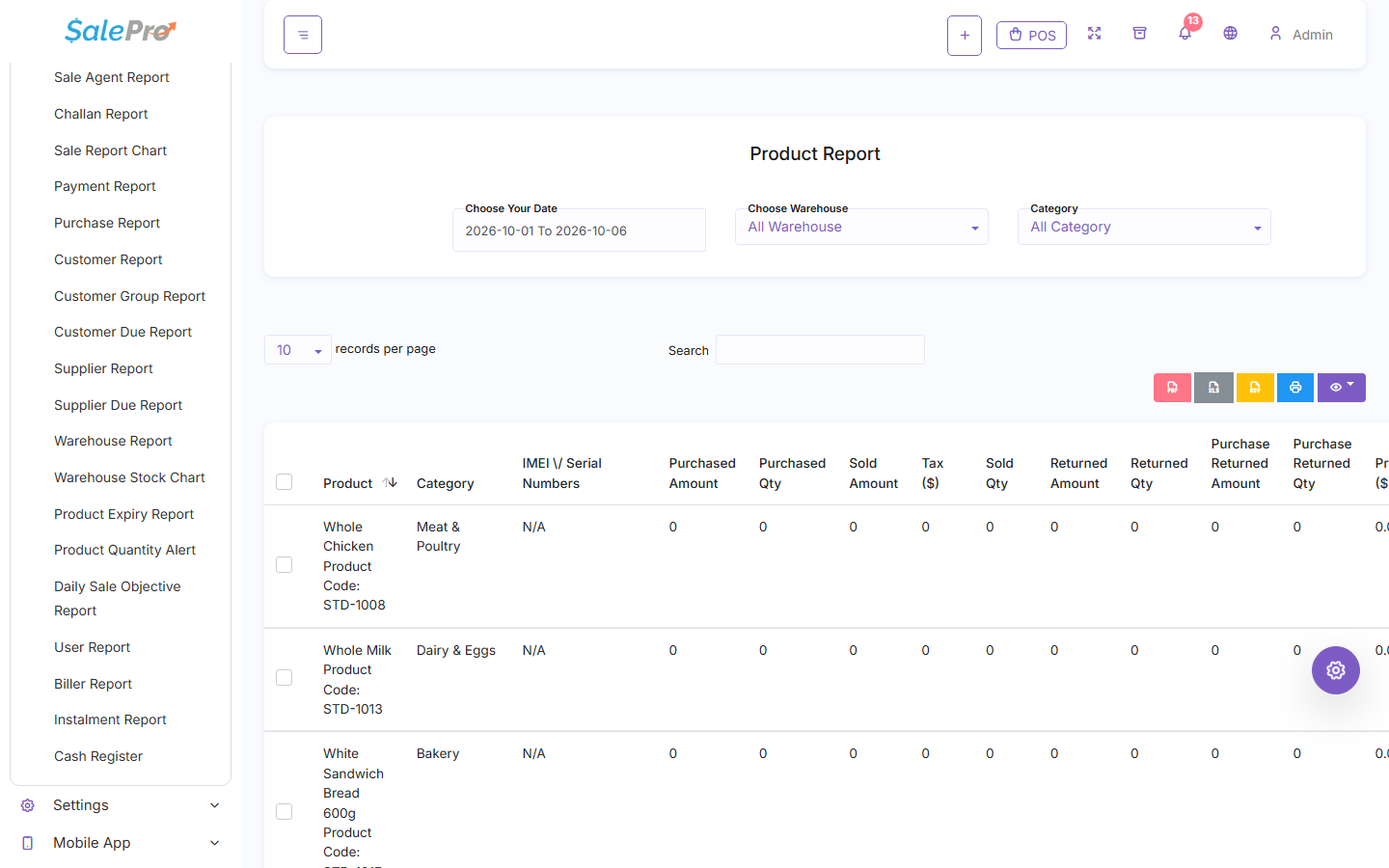
The Product Report combines date, warehouse, and product filters with quantity and identity detail.
Reconciliation checklist#
- Use the same date range, status, warehouse, and party filters.
- Compare a source transaction with its payment/return rows.
- Compare warehouse stock to the Stock Ledger, not only a dashboard card.
- Compare due reports to source sales/purchases and their payments/returns.
- Compare the General Ledger to the Trial Balance and source journals.
- For imported stock, use Import Batch Profitability for batch-specific COGS and remaining value.
Dashboard charts and best-seller panels are summaries. They are not substitutes for the underlying ledger or report export.
Did this guide solve your problem?
Get help
If something is unclear, tell support which guide and section you were following.