Create Products, Variants, Barcodes, and Catalogue Masters in SalePro
Create catalogue masters first, then define how each product is stocked, priced, taxed, and identified.
Products are shared masters; stock arrives or leaves through transactions in a warehouse. Create categories, brands, units, and taxes before creating products.
Unit hierarchy#
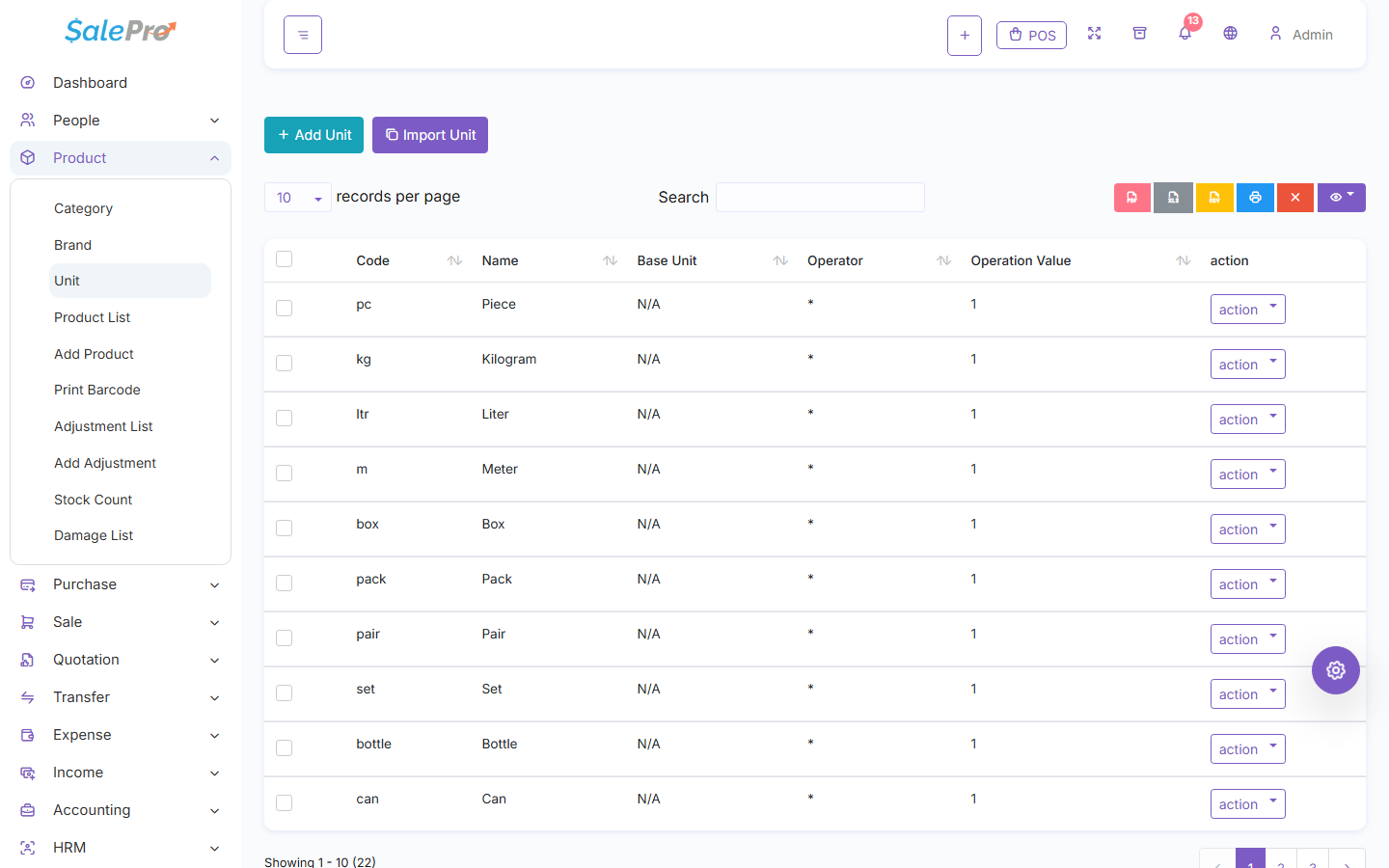
Create a root stock unit first. A derived sale or purchase unit must reference a different active root, use multiplication or division, and have a conversion value greater than zero. SalePro supports one direct derived level for product transaction units; self-links, cycles, derived-on-derived bases, and converting a root that already has children into a derived unit are rejected. A root unit with no base behaves as × 1.
The Units table exposes the base-unit, operator, and operation-value fields used for conversions.
Product setup#
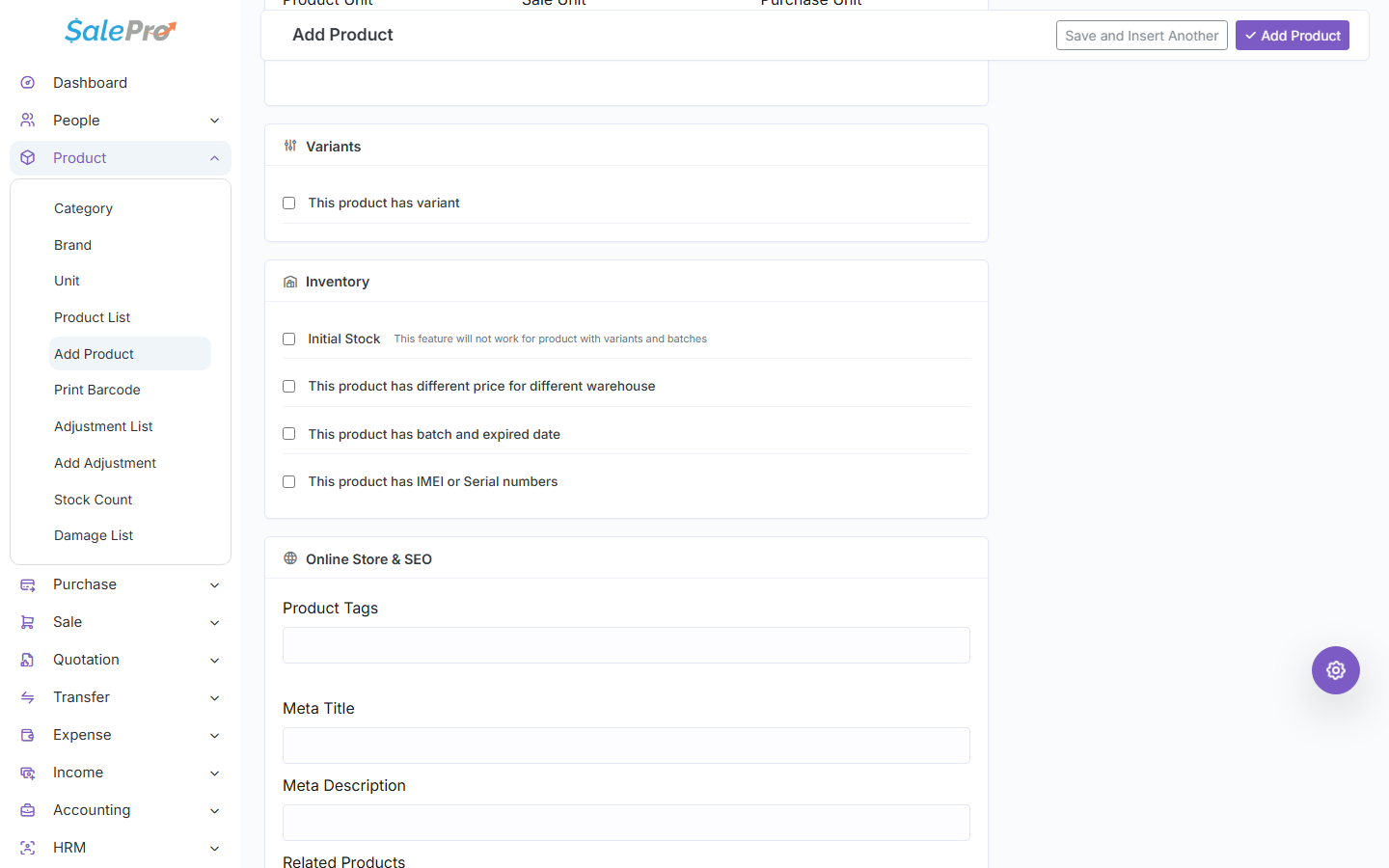
Choose the product type, unique code/barcode, name, root unit, compatible purchase/sale units, purchase and sale prices, tax, alerts, and applicable Ecommerce or tracking fields. For variants, define option combinations and confirm each has a resolvable identity. Combo products require valid physical components and deduct each component quantity when sold; missing, inactive, nested, batch/IMEI, or nonphysical components can block workflows that cannot preserve their identity.
The product form keeps variant and inventory-tracking options together so identity rules can be chosen before stock is received.
Creating a product does not post accounting or create warehouse stock unless an opening-stock workflow explicitly does so. Use a purchase, adjustment, production, or approved import to establish stock.
Product edits are prospective. Deactivation can hide the product from new transactions but does not erase historical sale, purchase, stock, or accounting records. Use Batch, expiry, and IMEI tracking before receiving tracked stock.
Barcodes and labels#
Use the product barcode and barcode settings to generate labels. Test the label format, printer, scanner, and any embedded weight-scale barcode before live use. Scanning resolves the product; the selected transaction warehouse still determines availability.
If something is unclear, tell support which guide and section you were following.