Process a Point of Sale Transaction in SalePro
Use one warehouse/register, accept only verified tenders, and confirm the sale in stock, payments, and accounting reports.
- Open a cash register for the correct authorized warehouse and enter opening cash.
- Open Sale > POS, select the customer, and scan or search products.
- Review quantities, price, tax, discount, service staff, and available stock.
- Open payment, select one or more allowed tenders, and map each to the correct account. The effective paid amount is the sum of accepted payment lines, not a browser-only total.
- Complete the sale and print or send the receipt.
- Verify the Sale List and close/reconcile the register at the end of the shift.
The POS workspace separates standard checkout from credit and installment paths and exposes the multiple-payment action.
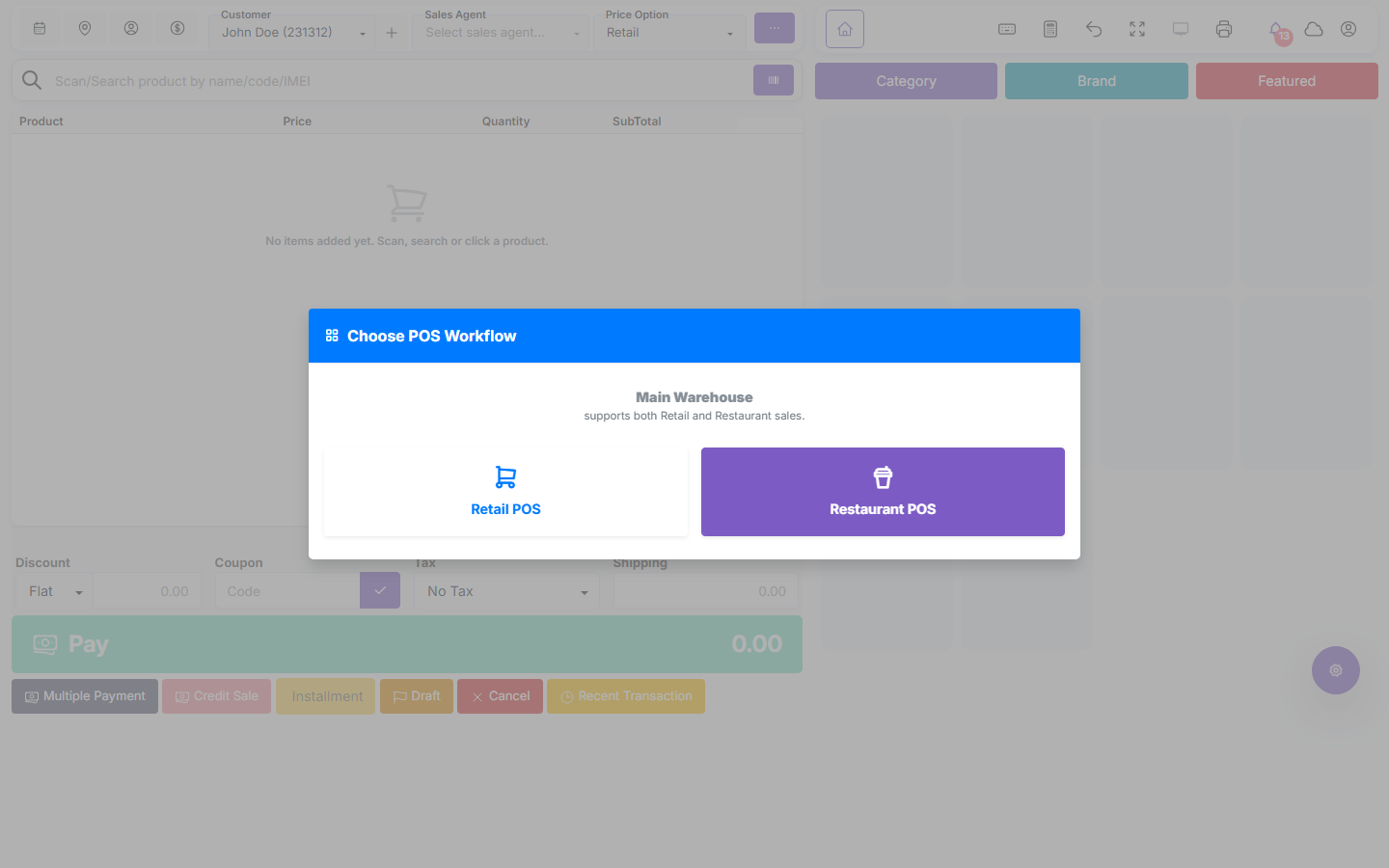
The sale decreases stock in the POS warehouse only after server acceptance. Verified tenders update the register/payment account and, with Accounting active, create balanced postings. Cash tender above the payable amount stores only the payable amount and reports the remainder as change. A regular customer may make an eligible partial payment and leave due; Walk-in must cover the full payable amount. Payment-method details are replaced when the method changes, not accumulated as duplicate tender metadata.
Deposits, gift cards, points, and installments#
- Deposit payment requires a regular customer and enough available deposit; it consumes funded value once.
- Gift cards must be active and have enough remaining value. A card with unused value cannot be deactivated. Recharge creates additional liability; supported reversal removes only the corresponding recharge effect.
- Reward redemption is checked after expired points are swept. The customer must have enough points, the sale must meet the configured minimum, and the redemption must stay within the configured per-sale minimum/maximum and the unpaid remainder.
- An installment sale requires a regular customer. A zero down payment creates no payment row; a positive down payment creates one payment and the remaining balance becomes the plan.
Multiple payment lines may settle one sale, but they do not permit over-redemption of a deposit, gift card, or reward balance. See Deposits, gift cards, and rewards and Customer credit rules.
Offline and provider limits#
Offline support is not permission to trust the browser as the system of record. Stock and accounting change only after the server accepts the transaction. ZATCA Phase 2 sales must be online, and drafts are the only safe offline queue in that context. Legacy PayPal POS and Mpesa automatic settlement are unsupported. A provider success page is not a canonical SalePro receipt.
If something is unclear, tell support which guide and section you were following.