Welcome to PeopleProSaaS
PeopleProSaaS combines a subscription platform with separate HR workspaces for your customers.
Last updated: 16 November 2026 · Product version: not specified in the supplied guide
About this guide
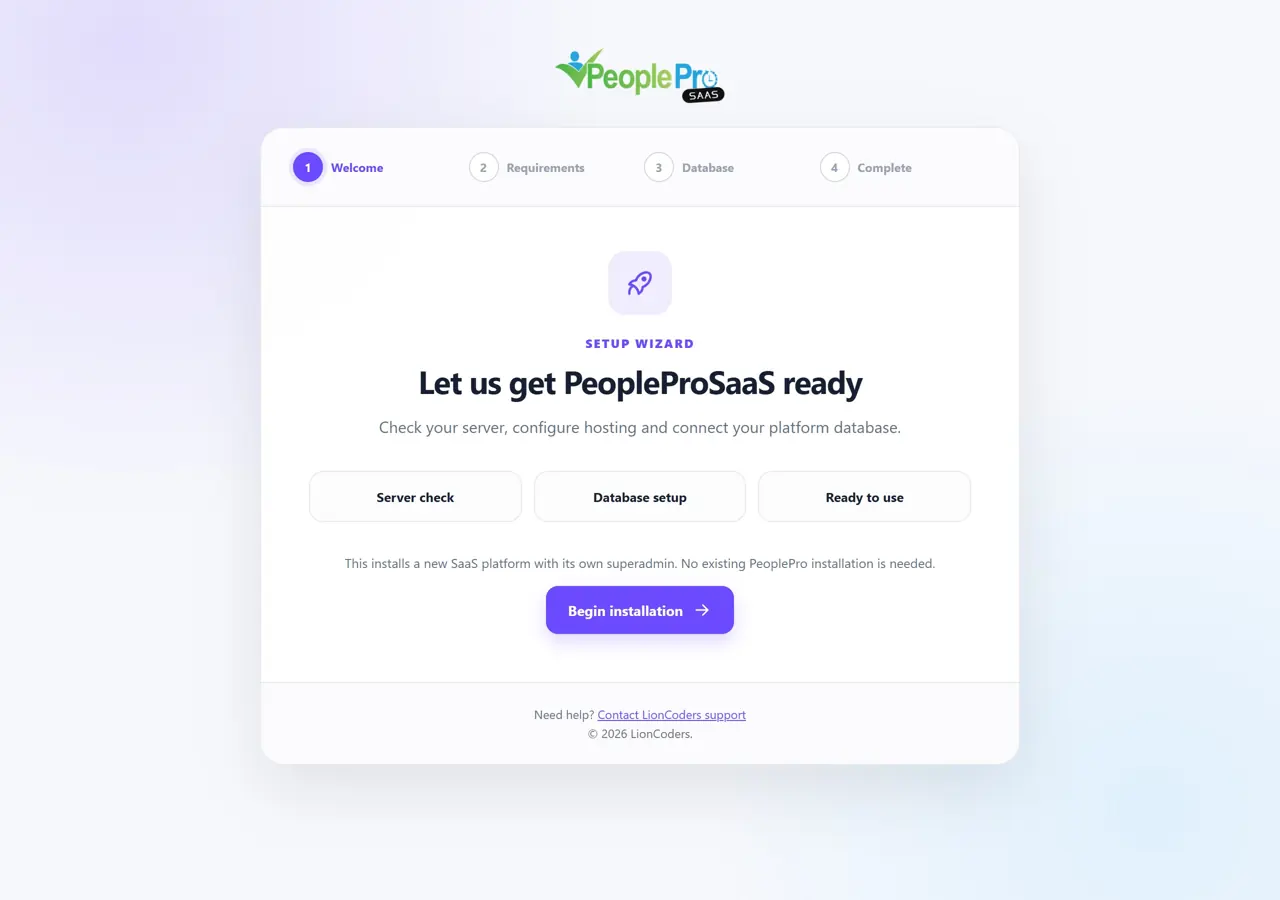
PeopleProSaaS combines a subscription platform with separate HR workspaces for your customers. This English guide covers SaaS installation, addon conversion and platform administration: customers, packages, billing, hosting, website content and settings. Shared HR modules and employee or client portals belong to the separate PeoplePro User Guide. Each topic includes a screenshot. All example organizations, people, tickets and payments are fictional. Installation and conversion images illustrate the real setup screens; they do not show a new installation performed over an existing business database. Payment examples are demonstrations, not completed bank transfers.
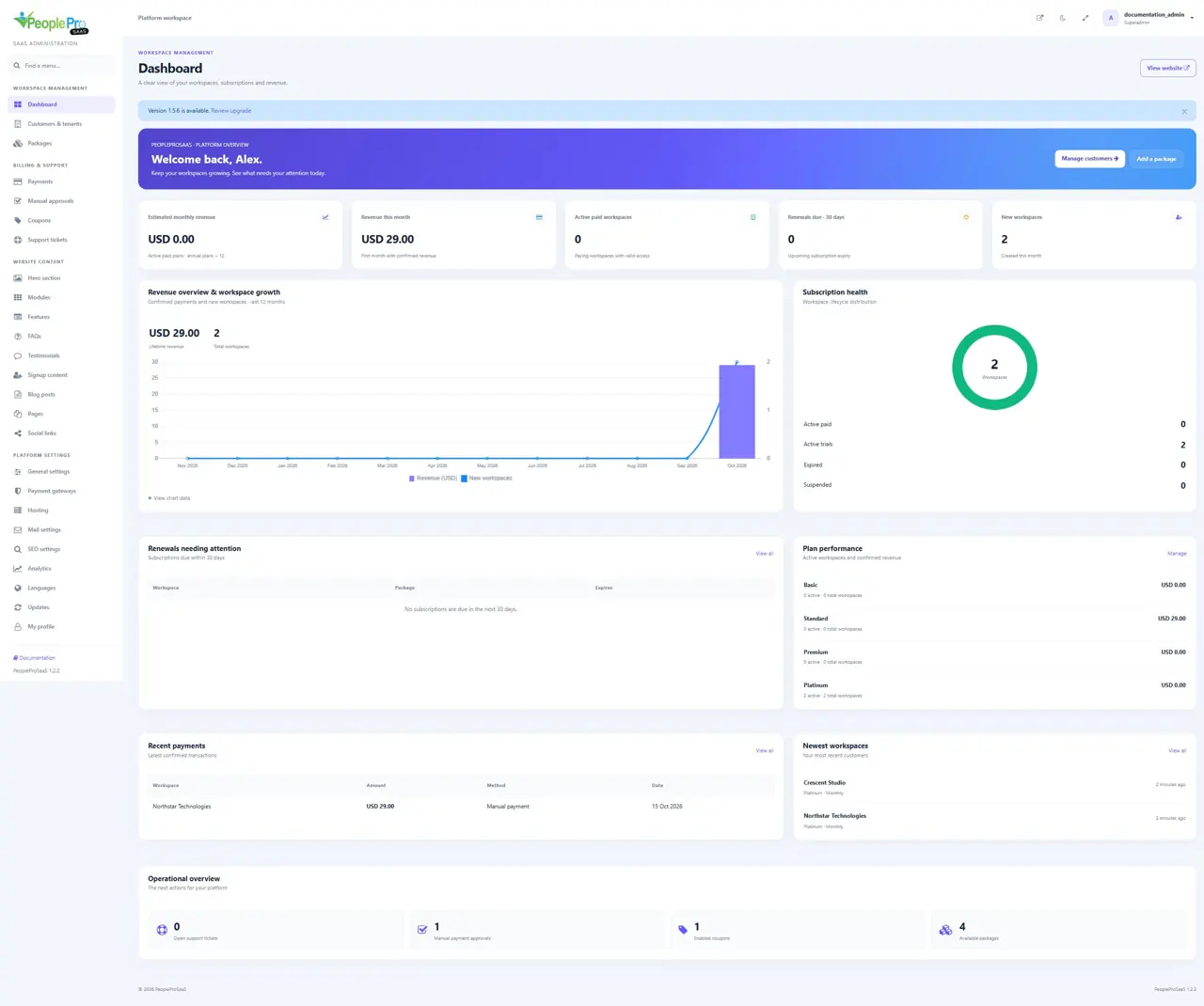
The platform and the customer workspace
The platform administrator manages packages, customers, subscriptions, payments and the public website. A tenant administrator manages their own organization, employees, shifts and everyday HR work. These accounts sign in at different addresses: the platform uses your main website followed by /login; a customer uses their own workspace address followed by /login. Giving someone an HR role inside a workspace does not make them a platform administrator.
Understand the two installation choices
Choose direct installation when you purchased the complete PeopleProSaaS application. Choose addon setup when you already use a compatible standalone PeoplePro installation and purchased the separate SaaS addon. Both choices open the full browser-based SaaS installer, verify the PeopleProSaaS purchase code and create a separate empty platform database. Customer workspaces are created after setup. Neither route automatically attaches or imports the old PeoplePro database, and uploading addon files alone does not activate SaaS.