Platform Updates and Routine Operations
Open Updates when the platform reports a new version.
Last updated: 16 November 2026 · Product version: not specified in the supplied guide
Review available releases
Open Updates when the platform reports a new version. Review the release information and eligibility before applying an update. Keep a recoverable copy of the application, configuration, landlord database, tenant databases and uploads. Updates apply the compatible platform and tenant changes; the application version advances only after the required update work succeeds. Use the vendor-supported release package and verify the important workflows afterward.
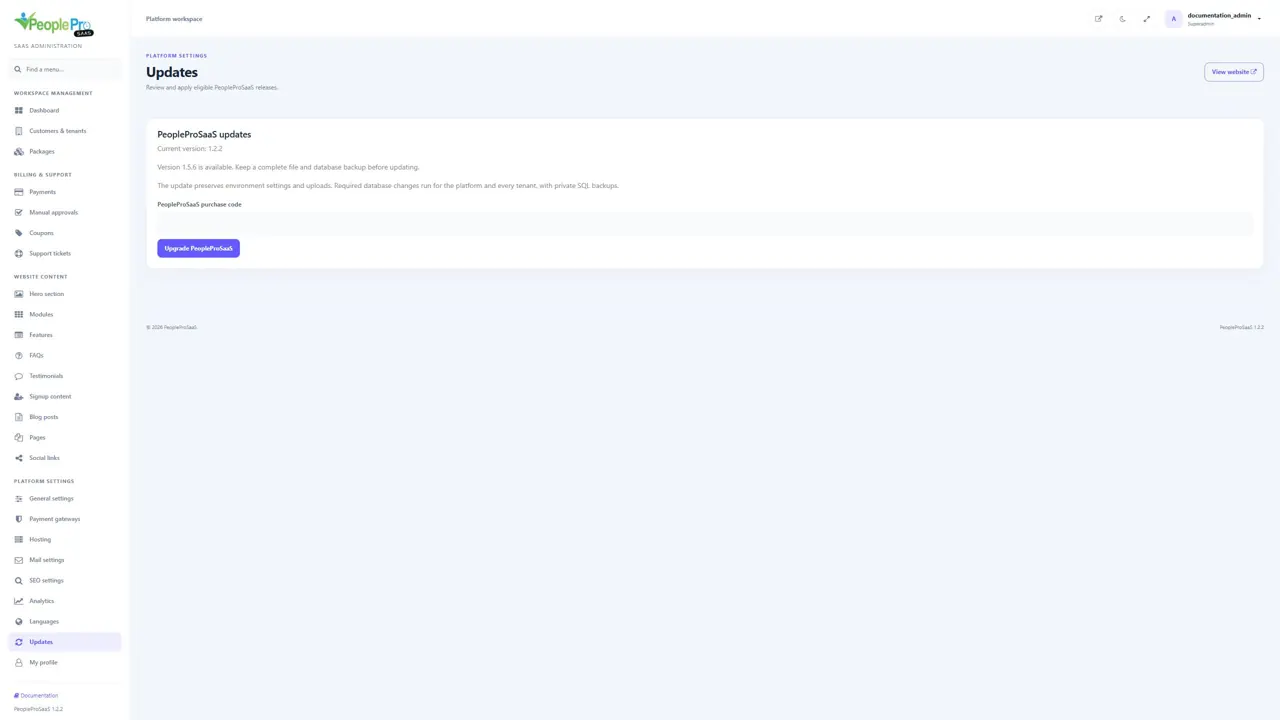
Apply an eligible PeopleProSaaS update
When Updates offers an eligible version, review the notice and prepare the required recoverable backup. Enter your valid PeopleProSaaS purchase code, then select Upgrade PeopleProSaaS once and wait for completion. Confirm the final version and the important platform and tenant workflows afterward. The illustration uses simulated release availability and does not announce a real release or show an update being installed.
Understand platform and tenant upgrades
A platform update may include landlord changes, shared HR code, tenant migrations and translation-pack updates. Existing users, passwords and customized translation values are retained by the upgrade process. For an operator-managed upgrade, php artisan peoplepro:upgrade-tenants previews tenants; --tenant=ID narrows the selection and --apply performs the supported tenant upgrade with its backup. Have the person responsible for deployment run maintenance commands in the intended application environment.
Schedule background reminders
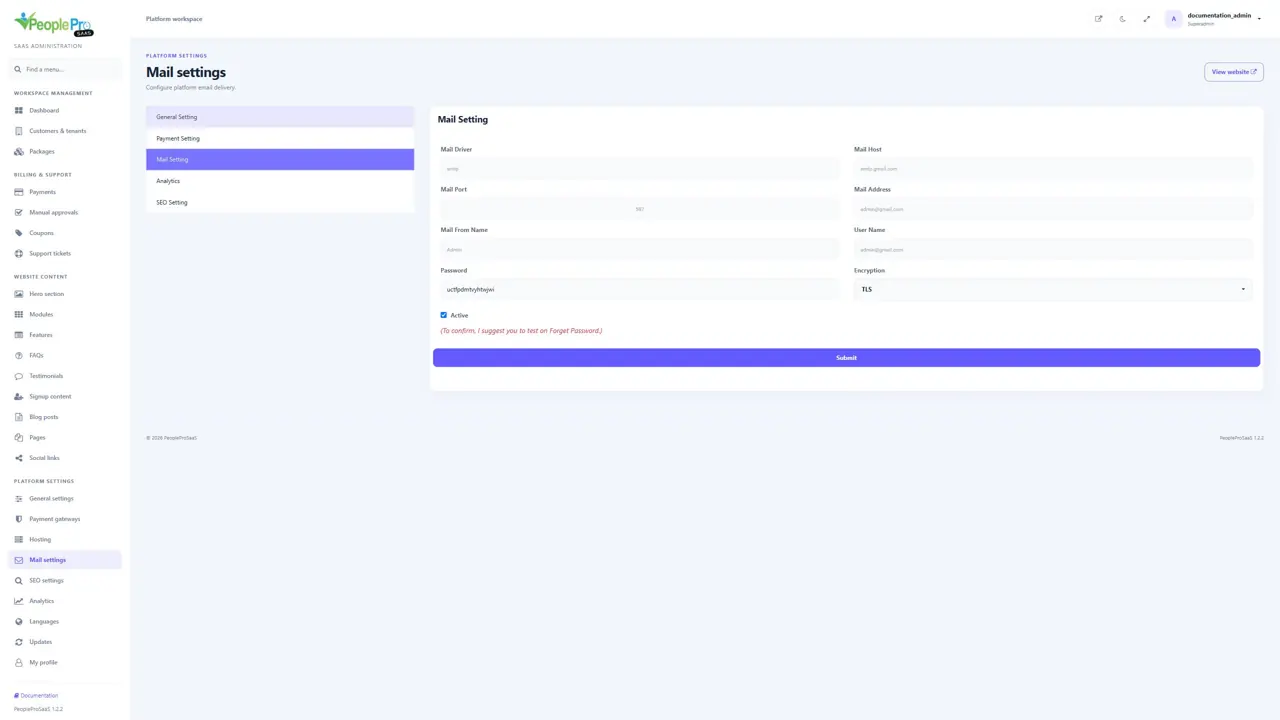
Ask your server administrator to configure the Laravel scheduler for the deployed application. The configured daily document, official-document and immigration-expiry reminder tasks run at 08:00 under the relevant tenant contexts. The usual hosting scheduler invokes php artisan schedule:run each minute from the application directory. Configure a worker when your deployment uses queued jobs. Mail delivery must also be working for email reminders to reach their recipients.
Back up the whole platform
Keep the landlord database, every tenant database, application environment and keys, and customer uploads in your backup plan. A single tenant database export does not contain the entire SaaS platform. Keep recovery procedures with the person responsible for hosting and test a restore in an isolated environment. Retain the application key used to decrypt stored service credentials and checkout payloads.
When a tenant address does not open
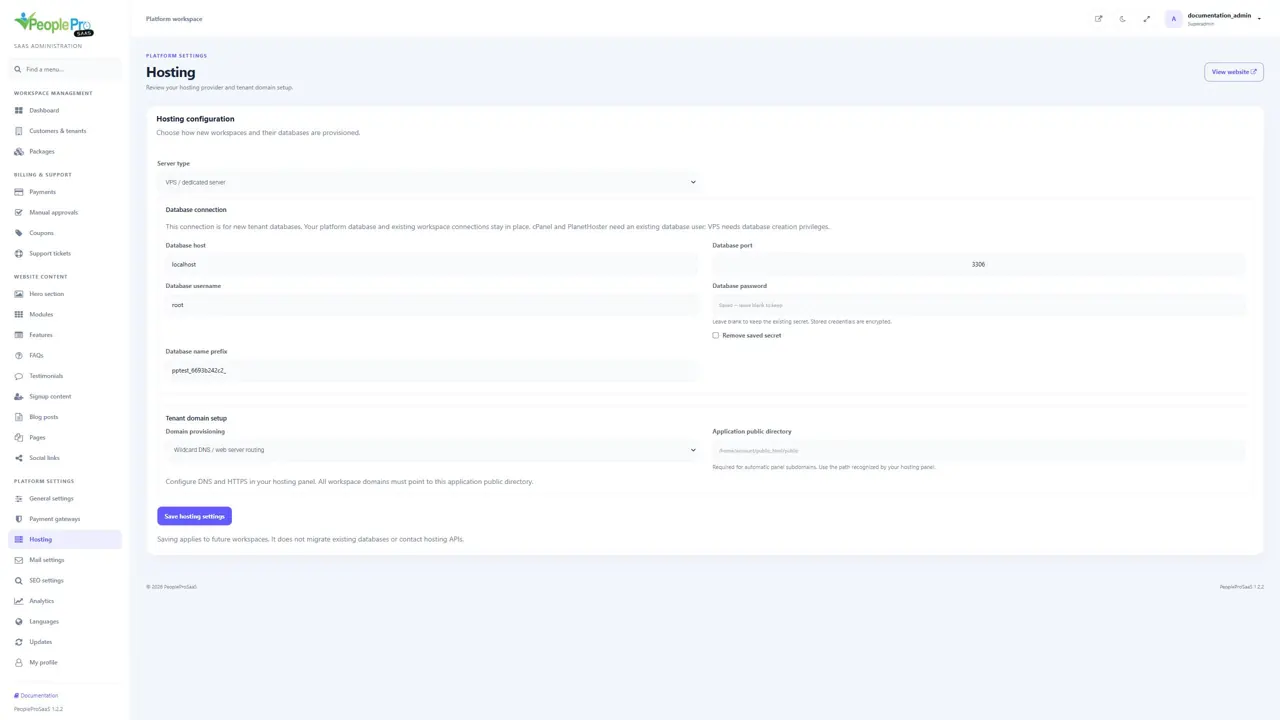
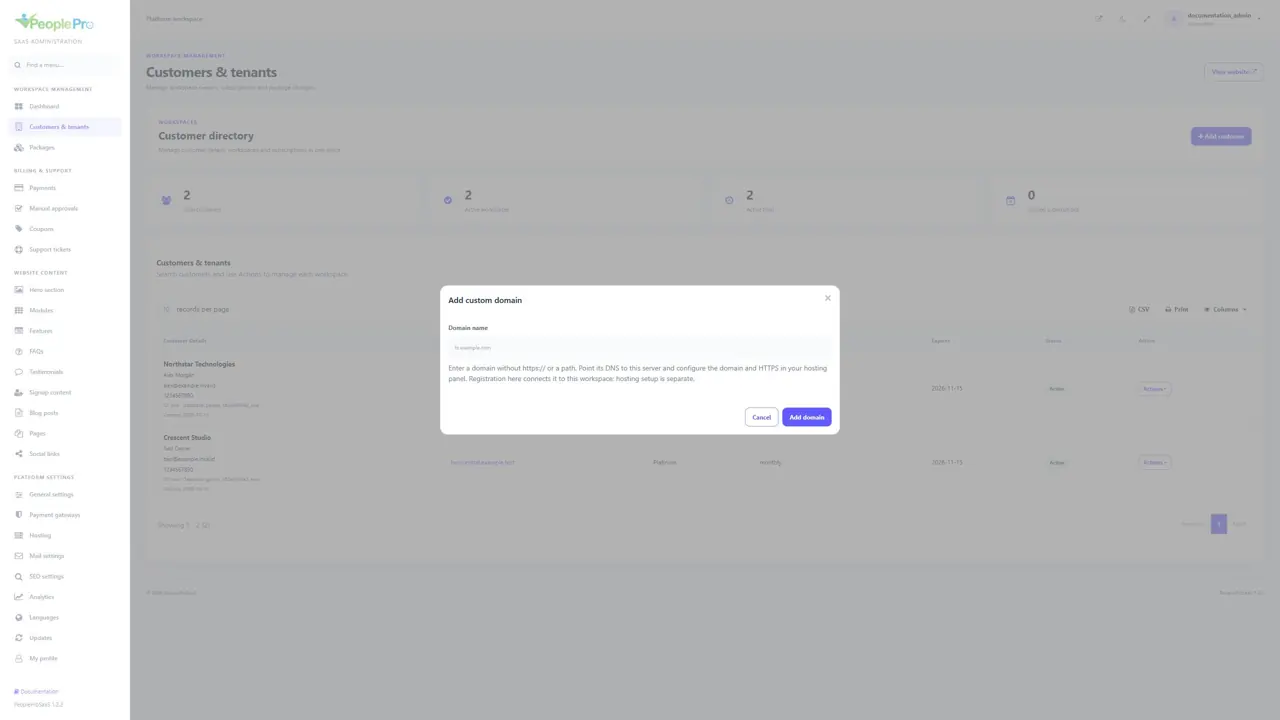
Check its registered domain in Customers & tenants, then check DNS, the hosting domain, document root and HTTPS certificate. Confirm that the workspace is active and its subscription has not expired. A hostname that points to the server can still fail if it is not registered to the intended tenant. New platform installation must use the main domain; tenant subdomains are expected after setup.
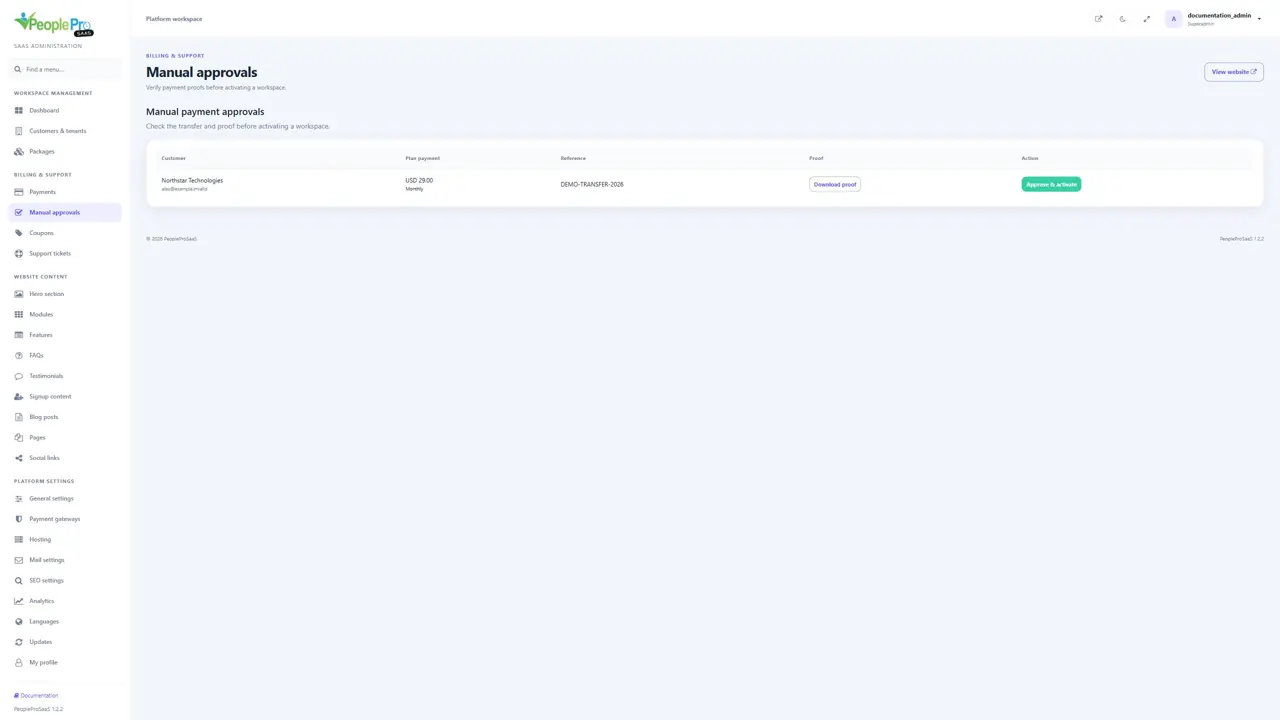
When a payment is pending or unavailable
Check that the provider is enabled, its credentials and mode match, and the package currency is supported. For manual payments, review the proof and actual transfer before approving. For online payments, inspect the provider reference and verified payment result. Avoid creating another checkout or manually extending a different workspace just because a payment page was refreshed.