CRM in Subscription Packages
Reviewed 31 October 2026.
Last updated: 16 November 2026 · Product version: not specified in the supplied guide
Reviewed 31 October 2026. These are platform administration instructions. Tenant users follow the CRM chapters in the separate PeoplePro User Guide.
Choose the CRM features included in a plan
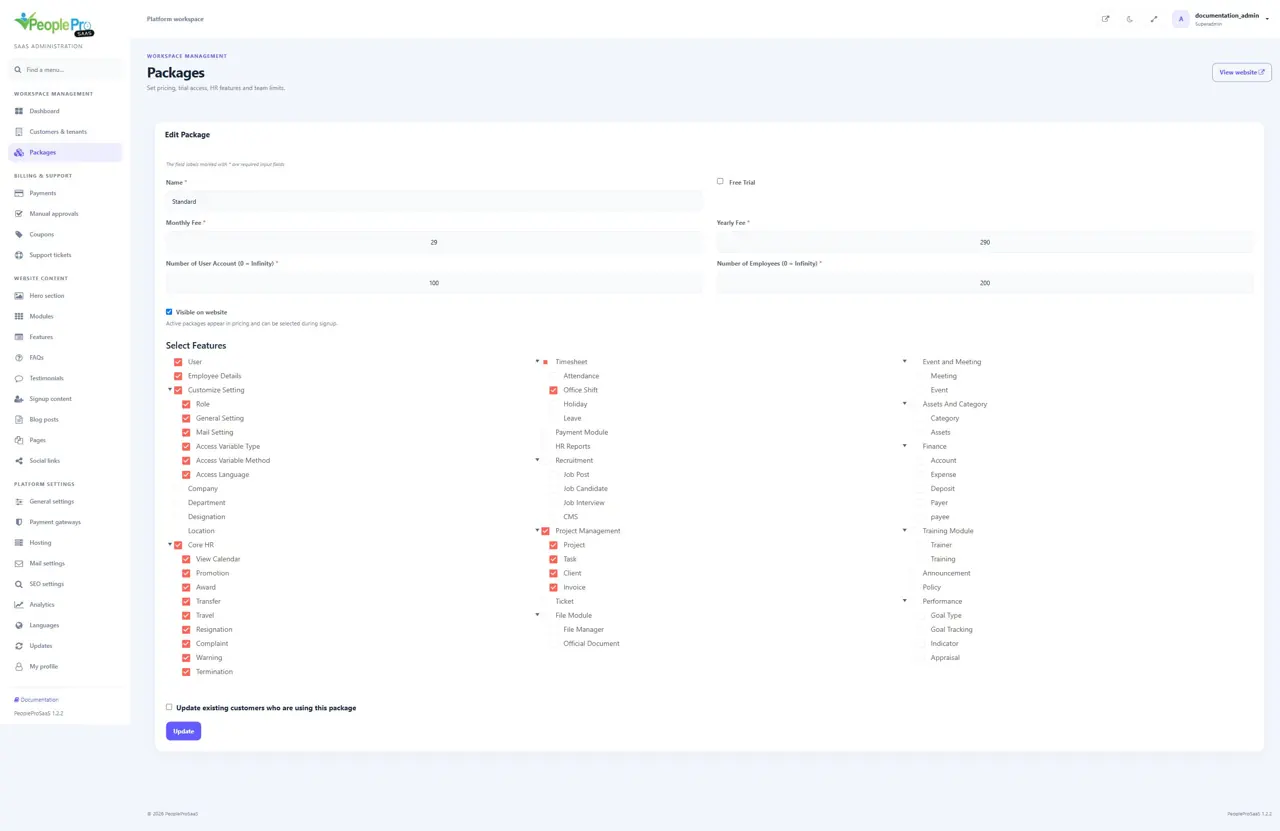
Open Packages and edit the plan you want to offer. Select CRM and its required actions. Core records, catalogue/quotations, invoice receipts, reports, customer portal, contracts, support and marketing have separate permissions. Finance posting also needs the matching Finance actions; legacy invoice access is needed for CRM invoices. Save the package and assign it to the intended customer. A website-hidden package stays available to platform administrators without appearing as a public pricing plan.
Explain the three access checks to workspace owners
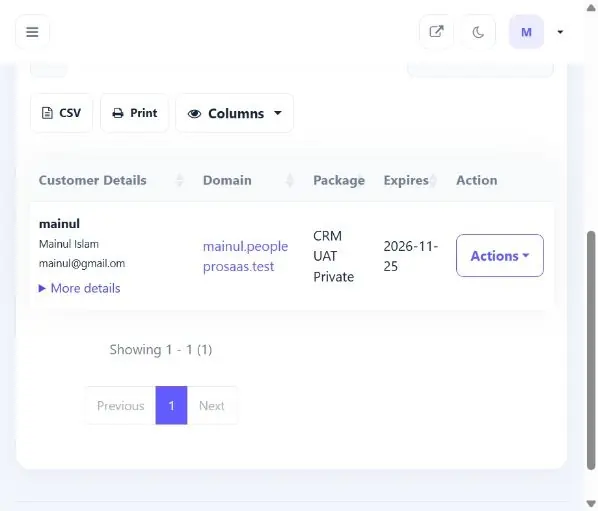
A package makes features available; it does not automatically enable CRM for every company or replace staff permissions. The tenant owner must enable CRM for a company and choose its currency, then grant the relevant role actions. A customer portal account sees only documents explicitly shared with its linked contact. HR and customer workflows are documented in the separate PeoplePro handbook. Keep the platform administration guide separate from that handbook.
Help a customer enable a newly available CRM action
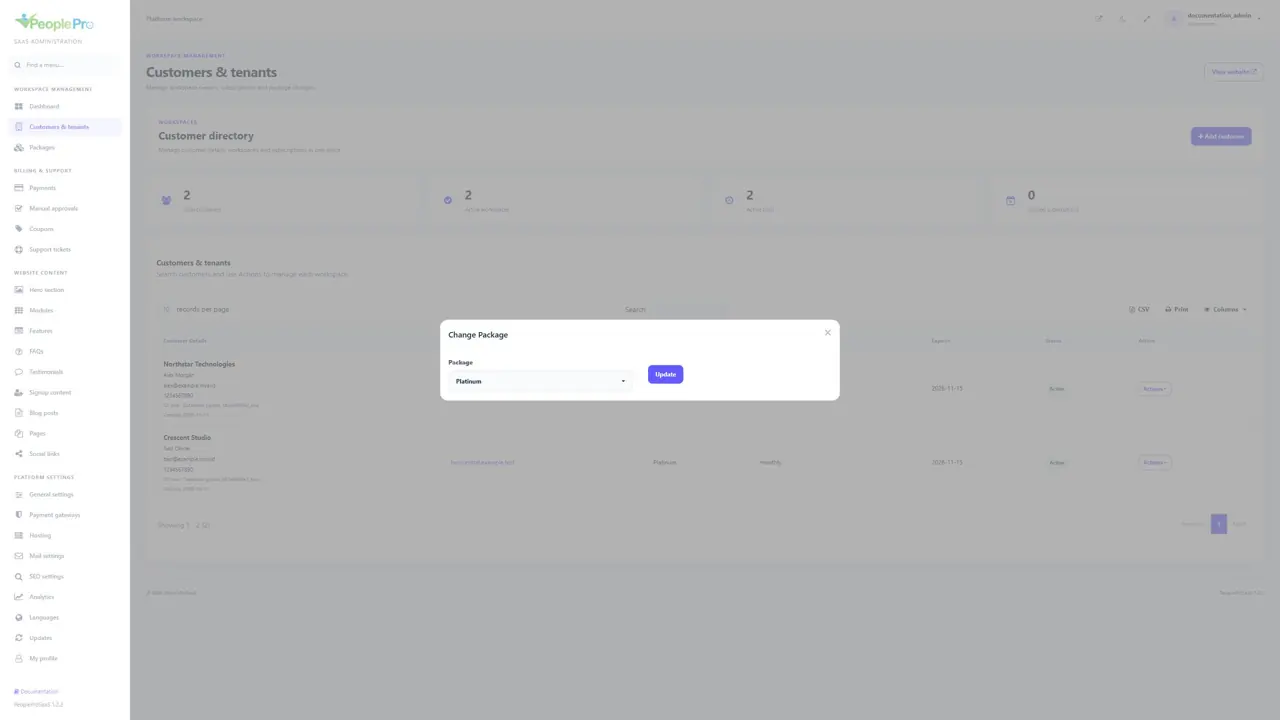
Open the customer package and make sure its selected CRM actions cover the feature you intend to provide. Save the package, then use the supported package-change action for the customer where a subscription update is required. Do not assume editing a public pricing label changes every existing subscription.
Ask the tenant owner to review the matching staff role in Roles And Access and the company CRM setting. Package availability, company setup and staff permissions are separate. Granting all-company CRM viewing is a separate decision from allowing a user to work only with their assigned records.
Keep platform and tenant documentation separate
Use this guide for platform customers, packages, hosting, billing and settings. Give the PeoplePro User Guide to tenant owners for attendance, leave, payroll, projects and CRM. The platform support inbox helps your subscribers; CRM Customer support helps a tenant own customers. They are not the same inbox.
A missing tenant button is normally investigated in this order: active subscription, included package action, enabled company module, then the signed-in user role and company access. Use Login as tenant only when you are authorized to assist that customer.