Home/SalePro/POS + Inventory + Accounting
One connected operating system

POS, inventory and accounting — without stitching together separate apps.

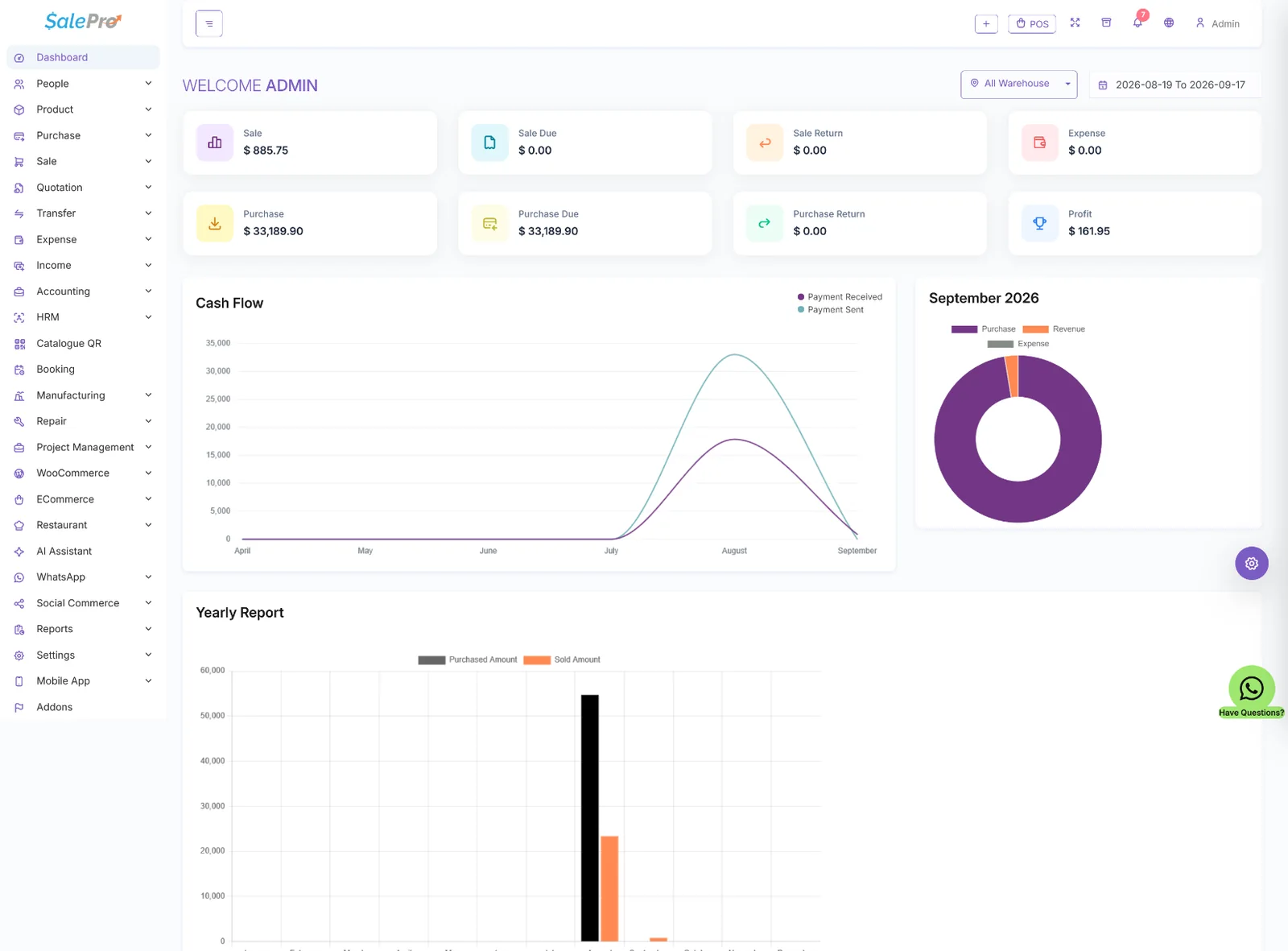
SalePro connects checkout, purchases, warehouse stock, Stock Ledger, payments, reports and double-entry accounting so operational activity can be followed through one self-hosted system.
POSPurchasingWarehousesStock LedgerDouble-entry accountingReports
SalePro dashboard for POS inventory and accounting operations
SaleProConnected business operations
Why the connection matters

A sale should not stop at the receipt.

The useful workflow is sale → stock movement → payment/customer balance → reporting/accounting. SalePro is designed around those connected business records rather than a standalone cash-register screen.

01SellComplete POS or sales transactions.
02Move stockReflect product and warehouse inventory activity.
03Post financial effectsKeep payments, receivables/payables and accounting connected.
04ReviewUse operational, stock and financial reports.

Inventory depth

Standard, variant, combo, batch and serial/IMEI-oriented product workflows support more than basic quantity tracking.

Accounting foundation

Integrated double-entry accounting supports a clearer path from business transactions into financial reporting.

Multi-location operations

Warehouses, stock movement and reporting help businesses operate beyond a single counter.

Direct answers

POS + inventory + accounting FAQ

Does SalePro combine POS, inventory and accounting?
Yes. SalePro connects sales, purchasing, stock movements, reporting and its integrated double-entry accounting workflows in the same application.
Can I track stock by warehouse?
Yes. SalePro supports warehouse-based inventory operations so stock and business activity can be managed across locations.
Does SalePro include a stock ledger?
Yes. SalePro includes Stock Ledger reporting for tracing inventory movement over time.
Is SalePro self-hosted?
Yes. SalePro is a self-hosted Laravel application that you deploy on infrastructure you control, subject to its license terms.

Validate the workflow in the real SalePro demo.

Test a transaction, then inspect stock and reporting. For technical detail, use the official documentation and update resources maintained by LionCoders.